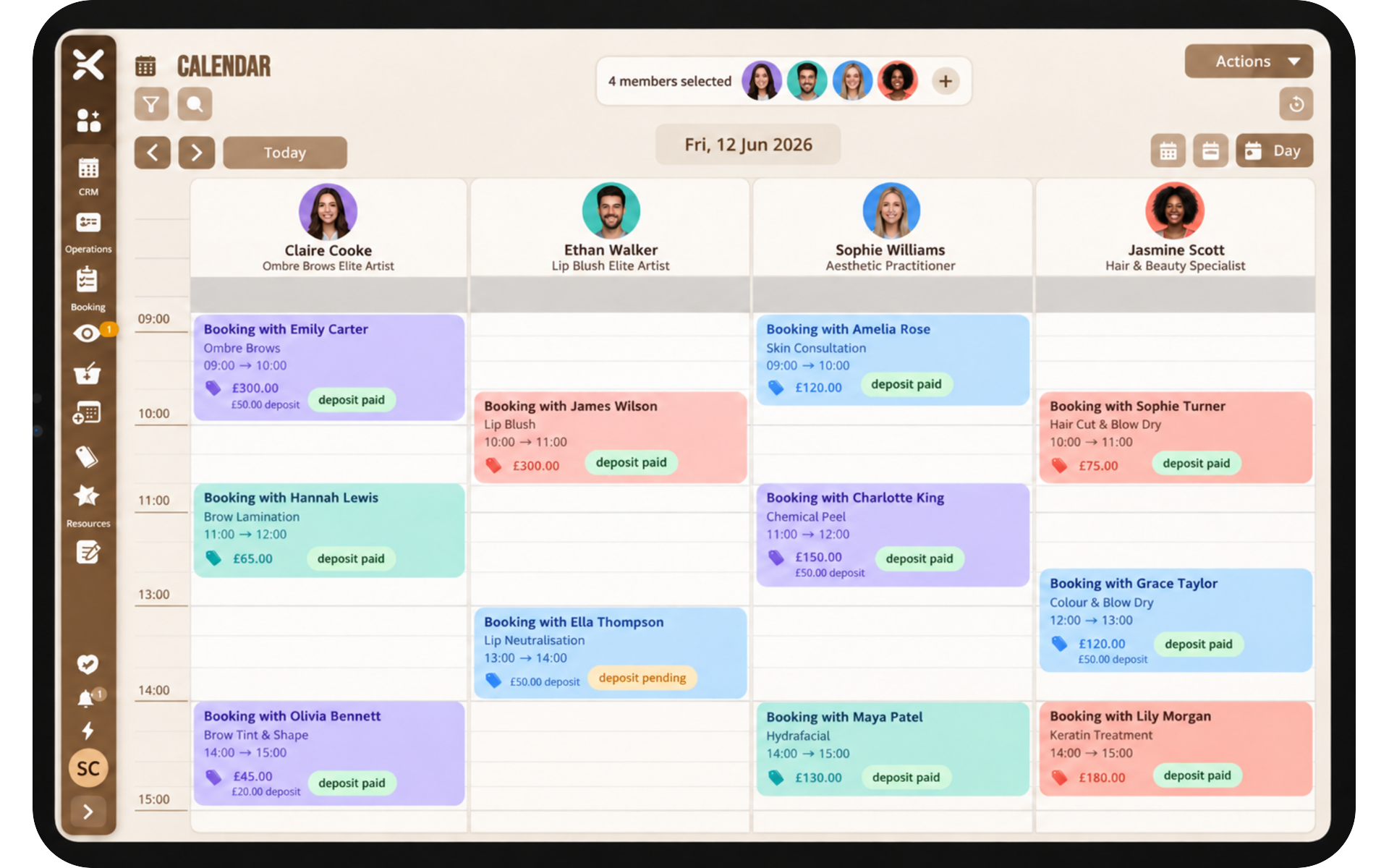

Name the services people actually buy
List the offers a new client would recognise. Include duration and price. Hide internal buffers as extra duration rather than a mysterious second service nobody understands.
If two people can deliver a service, assign both. If only one specialist can, do not pretend otherwise or you will spend the week moving bookings.
Set hours and exceptions first
Working hours, breaks, and holidays must be true before you share the link. Location profiles matter as soon as you have more than one site or a room with different opening times.
Overnight stays use date rules such as minimum nights. Appointment businesses use clocks. Pick the service type that matches how you sell.
Share the page everywhere clients already look
Put the company URL on Google Business Profile, Instagram, email signatures, and your main website. Explore on pencilin.co.uk is extra discovery, not a replacement for your own channels.
Test the journey on a phone. Most clients will not book from a desktop in your office.
Turn on payments when you are ready
Card payments and deposits reduce no-shows on high-value work. Transaction fees apply. See pricing for the current rate note.
Sign up from the pricing page when you are ready for a licence. The public page goes live as part of that product, not as a separate consumer app you cannot control.