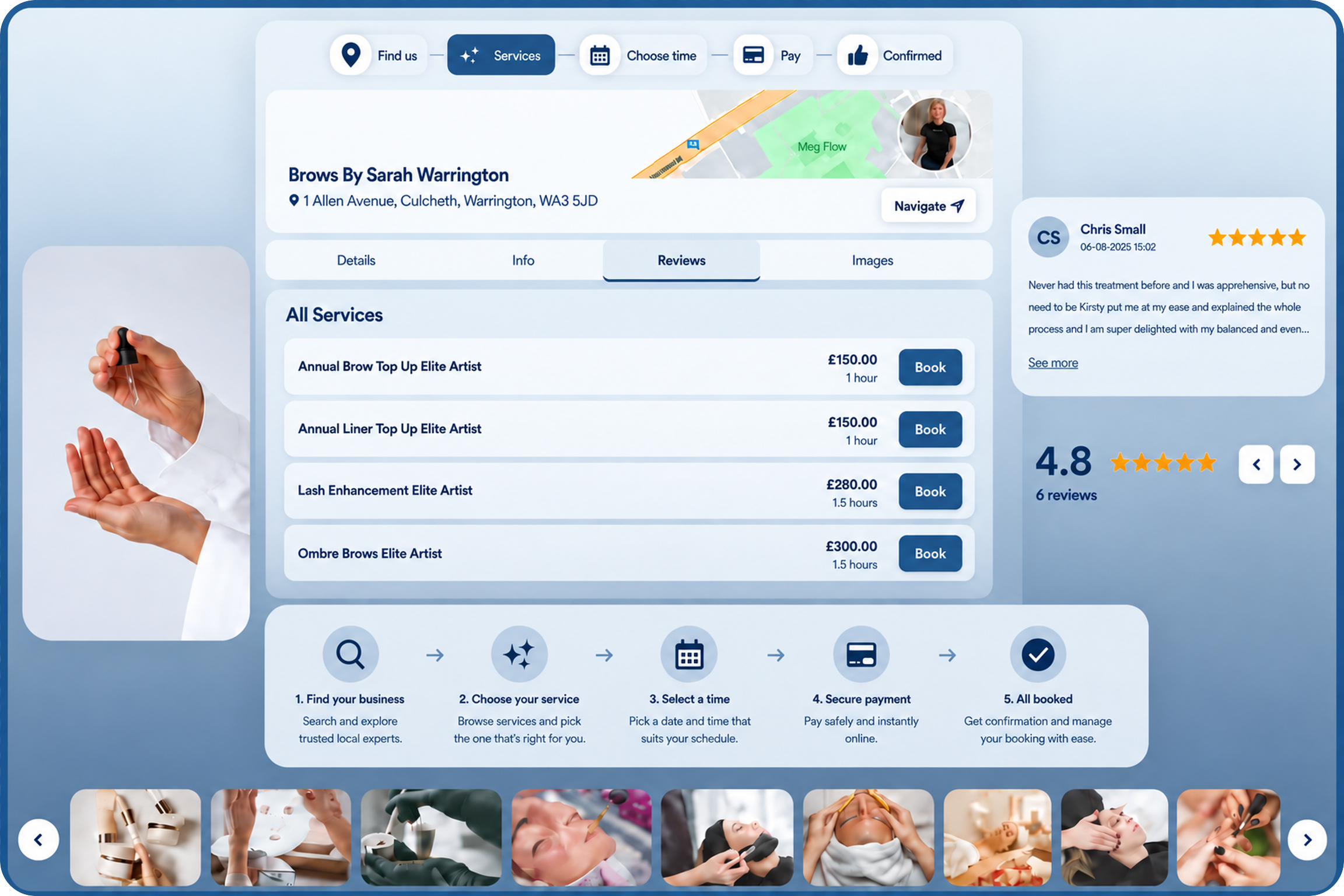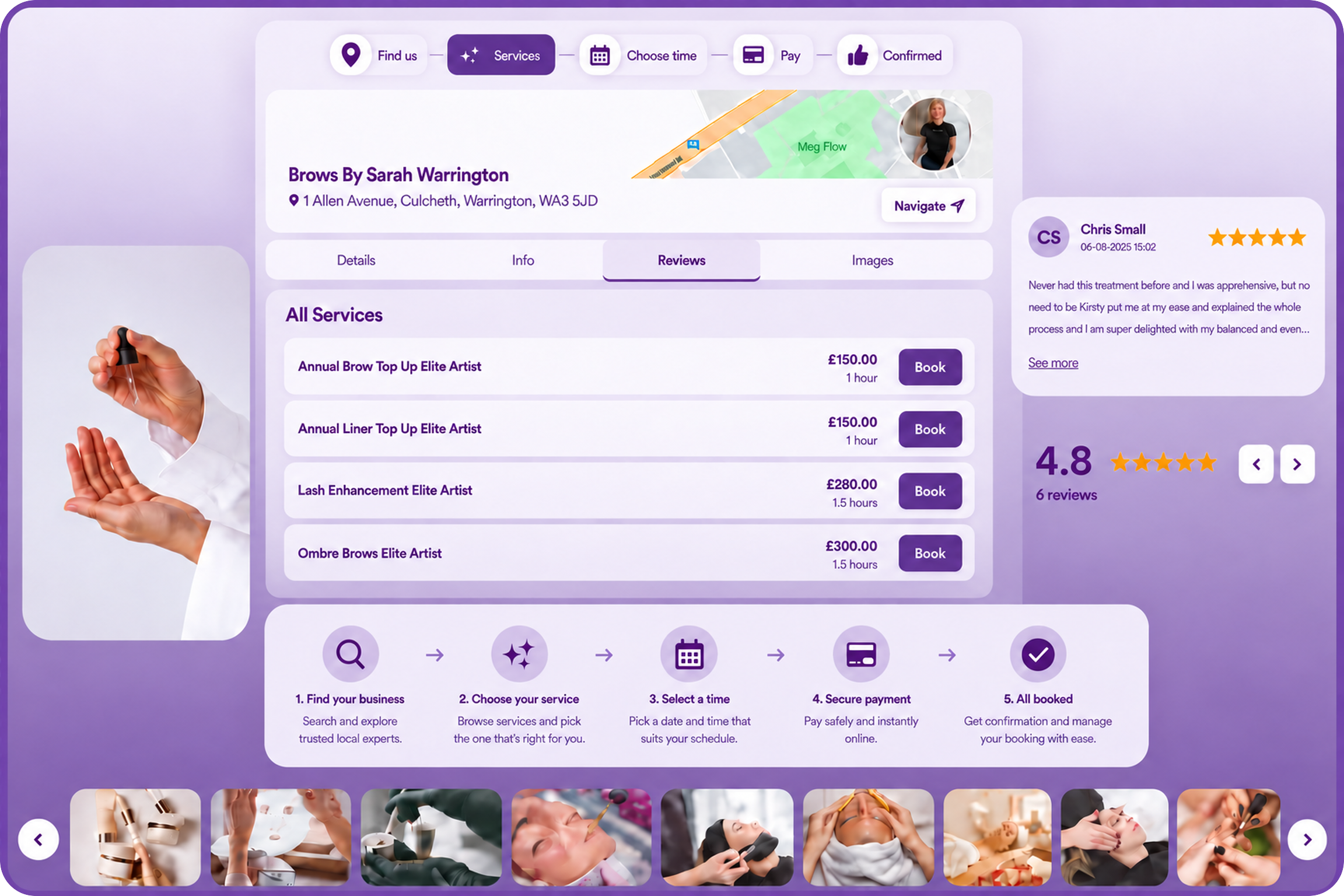

pencilIN client booking portal
A public booking journey for discovery, slot selection, confirmation, and payment, without staff re-keying the enquiry.
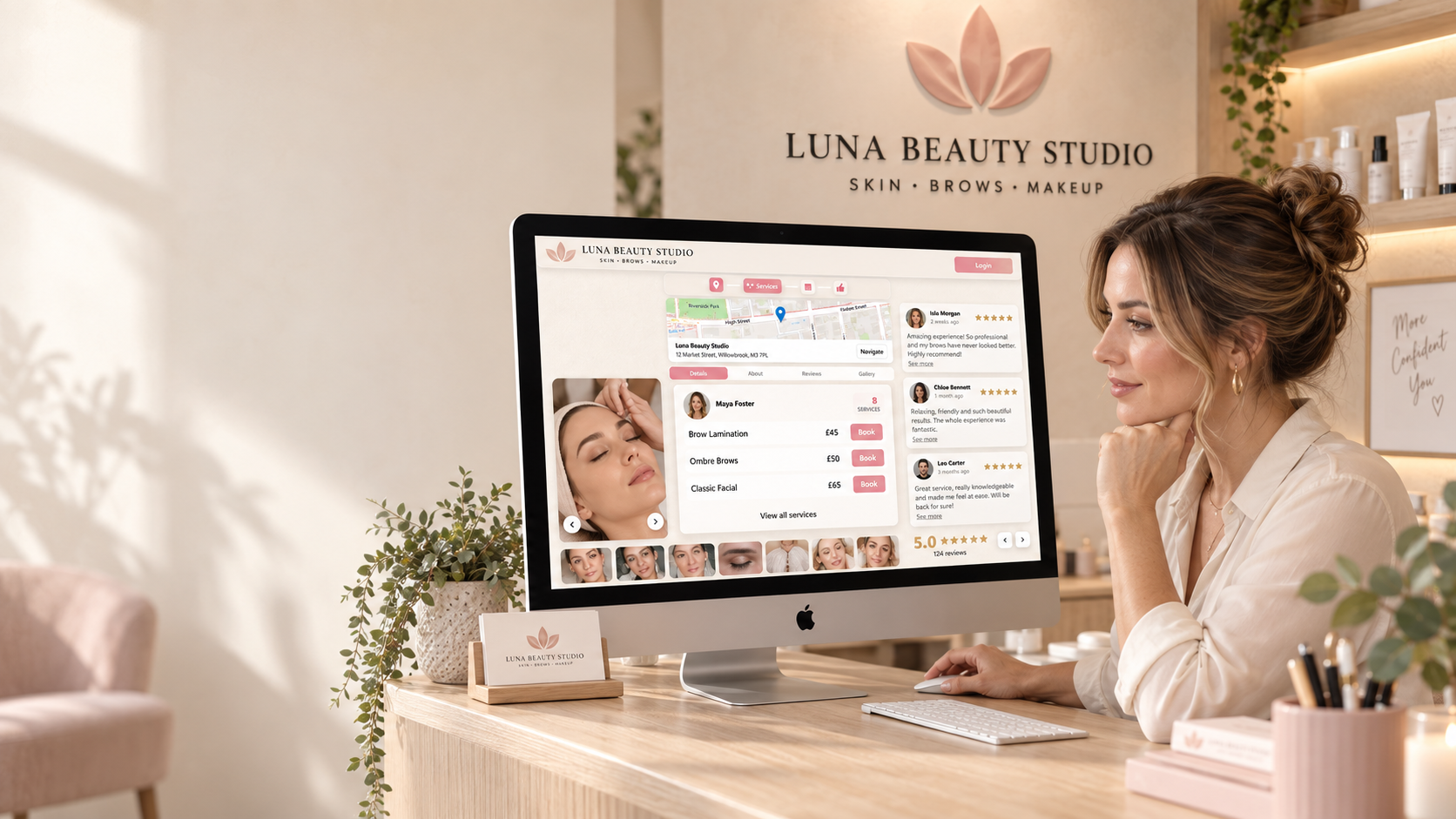
Online booking
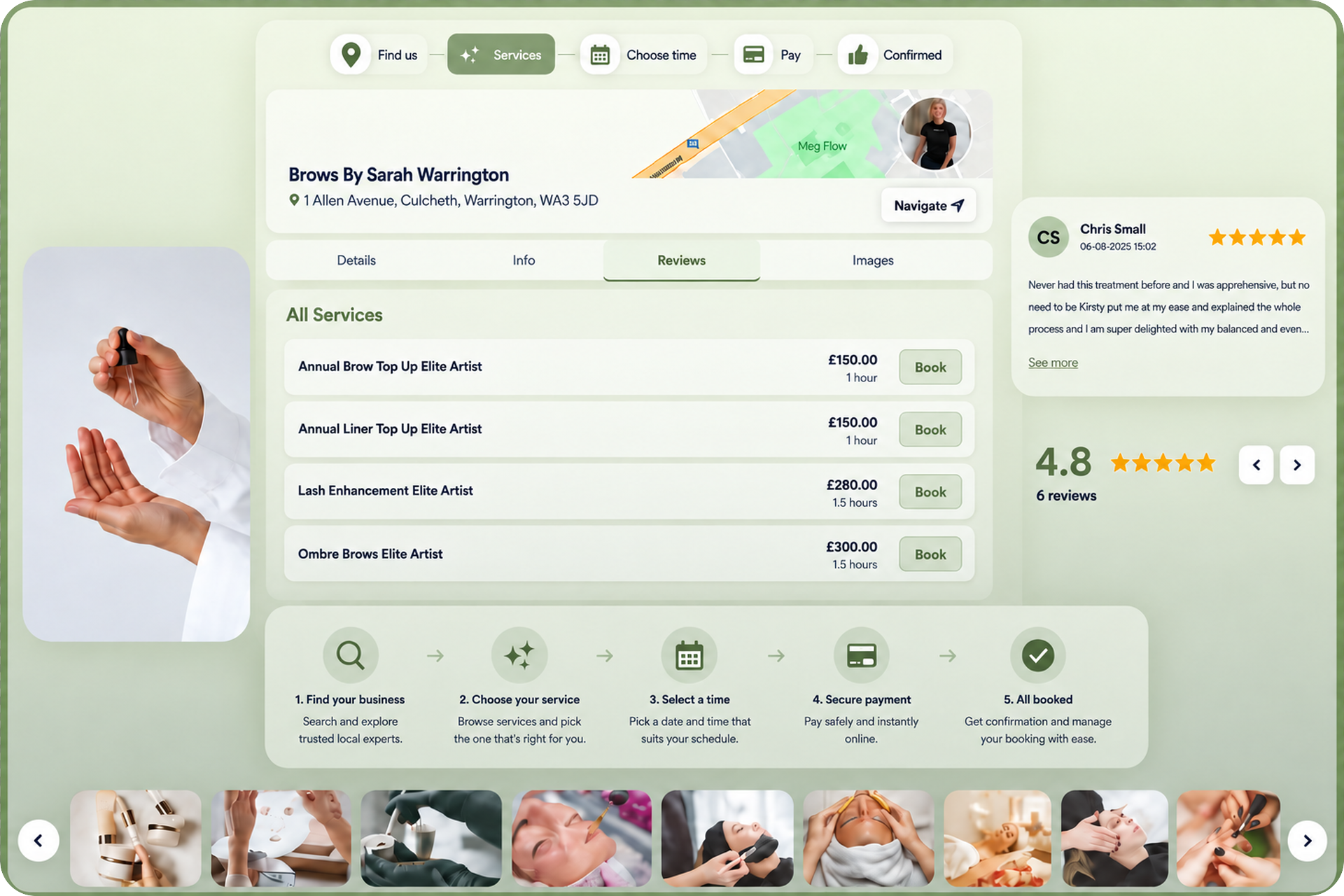
A public page with your name, colours, and services, so clients book you, not a generic marketplace listing.
A public booking journey for discovery, slot selection, confirmation, and payment, without staff re-keying the enquiry.
Hidden stays off Explore. Private lets existing clients book. Public lists you so new clients can find and book.
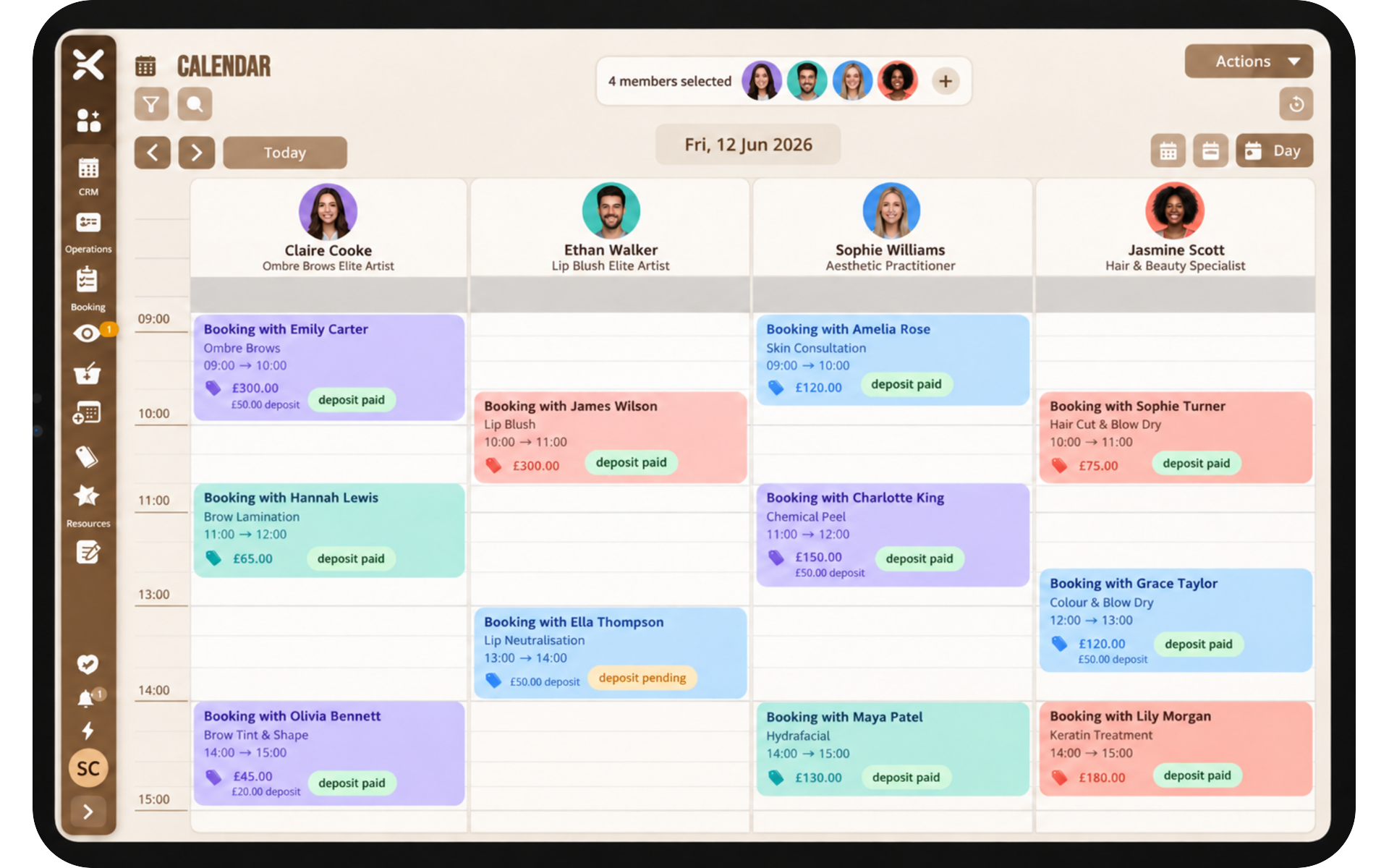
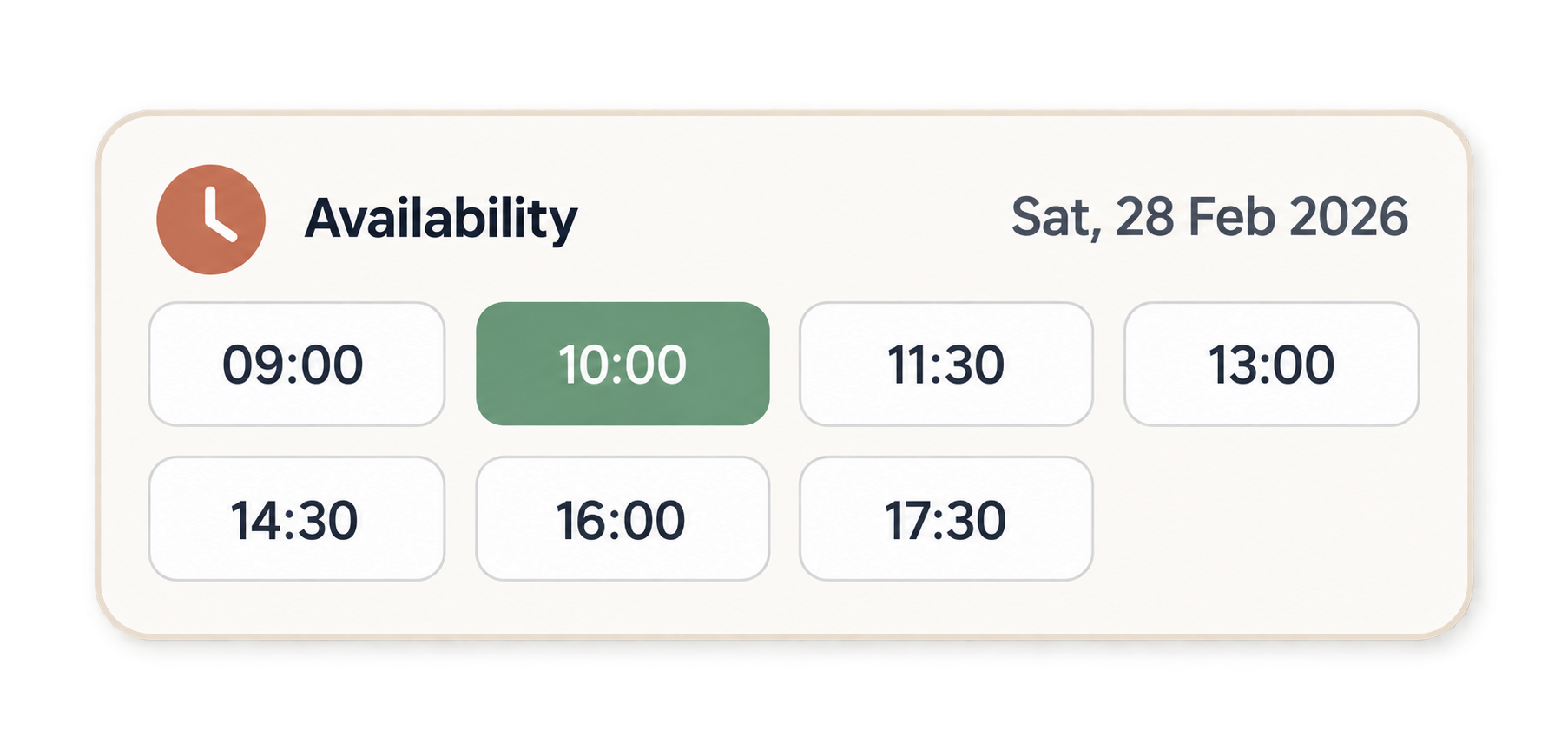
Clients book against the availability you publish, including evenings and weekends when the desk is closed.
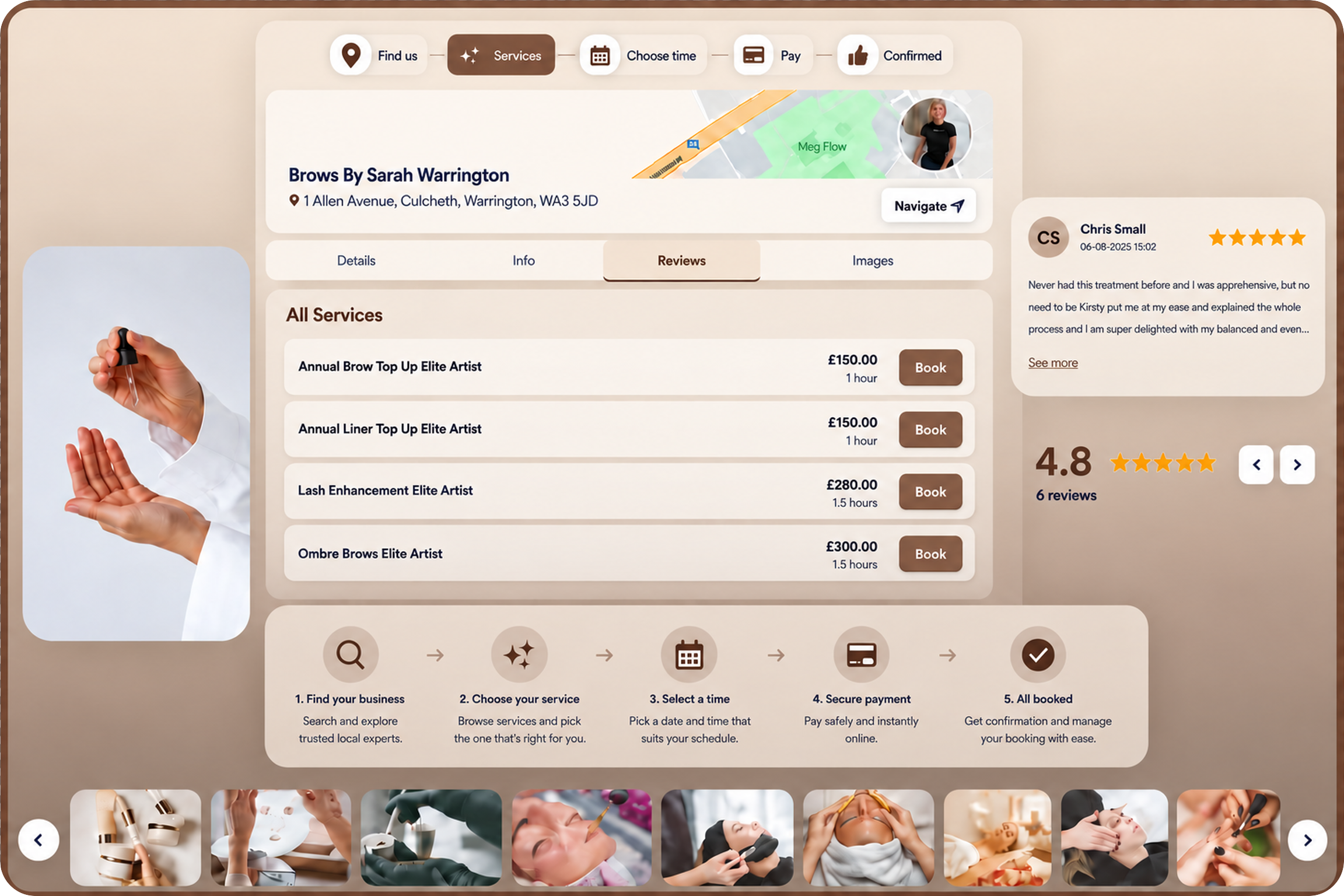
Theme the public journey so it matches the business, not a generic widget. Pro and above.
Share a personalised URL or a QR code so clients open your page, pick a service, and confirm.
Public businesses can appear on Explore so people searching pencilIN can find and book you. As more businesses join Explore, your outreach to new clients grows with it.
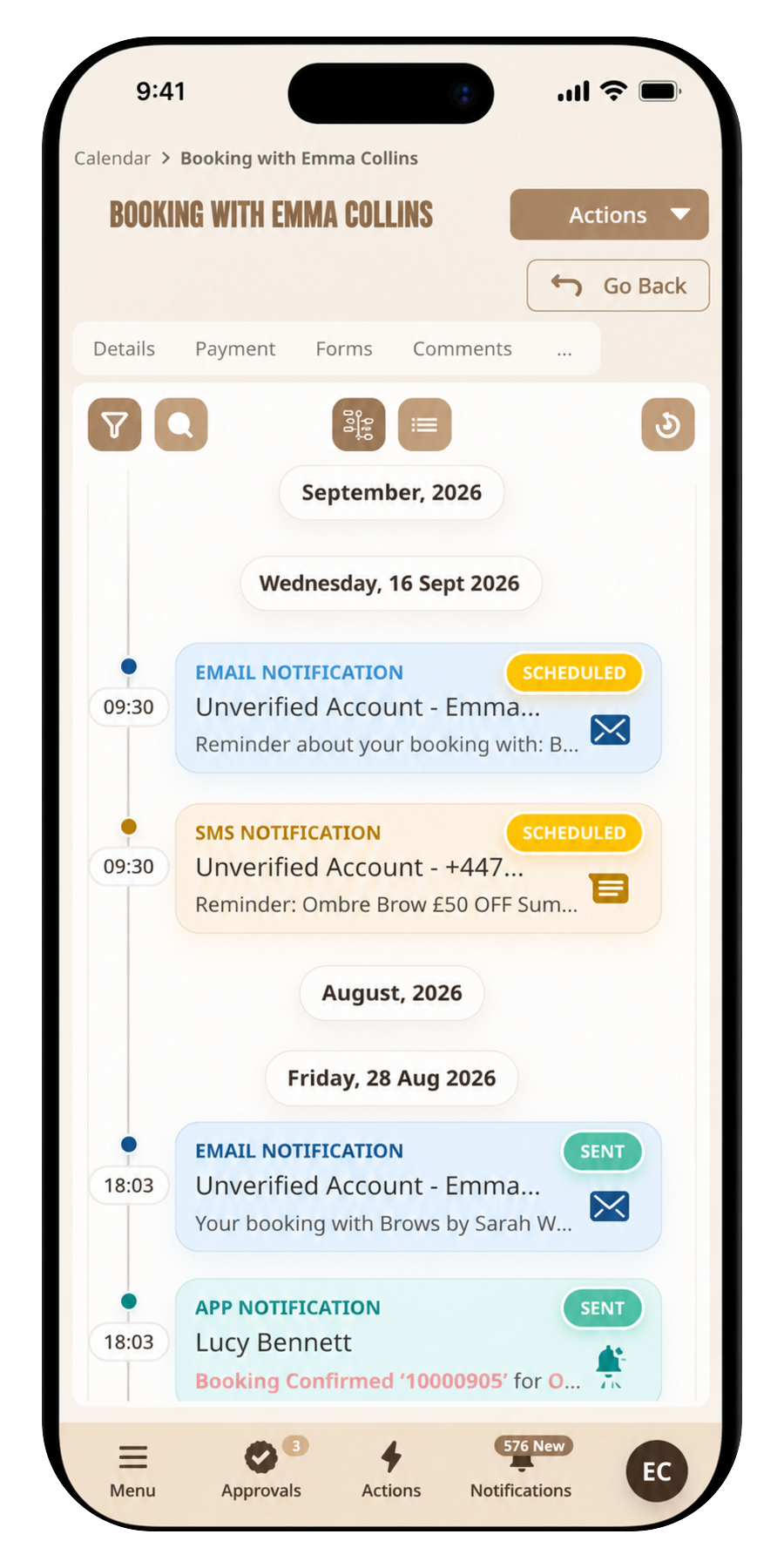
Clients finish the journey with a confirmed booking and a record your team can see immediately.
Services, staff, and availability on one public path so clients book themselves, without your team having to step in.
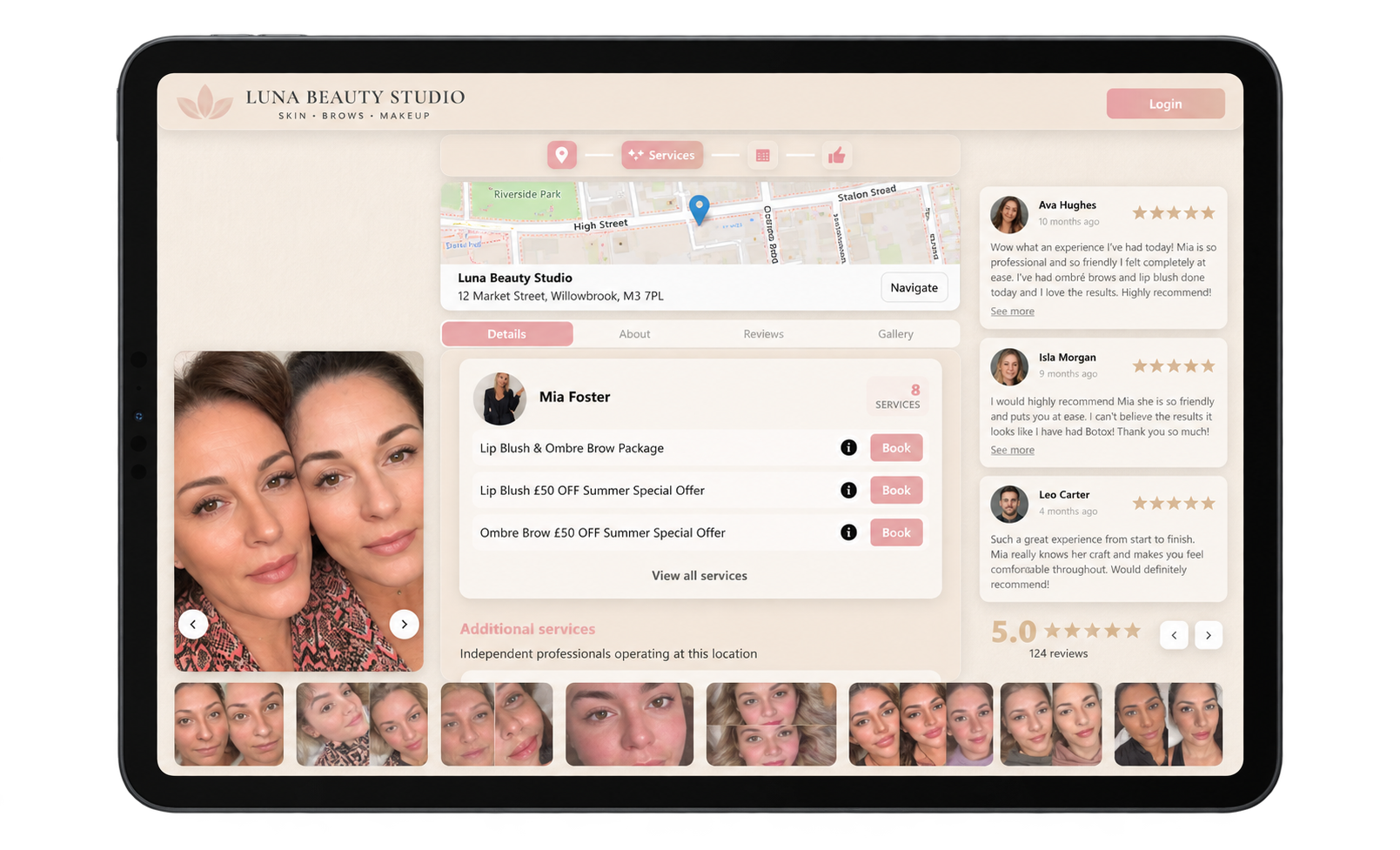
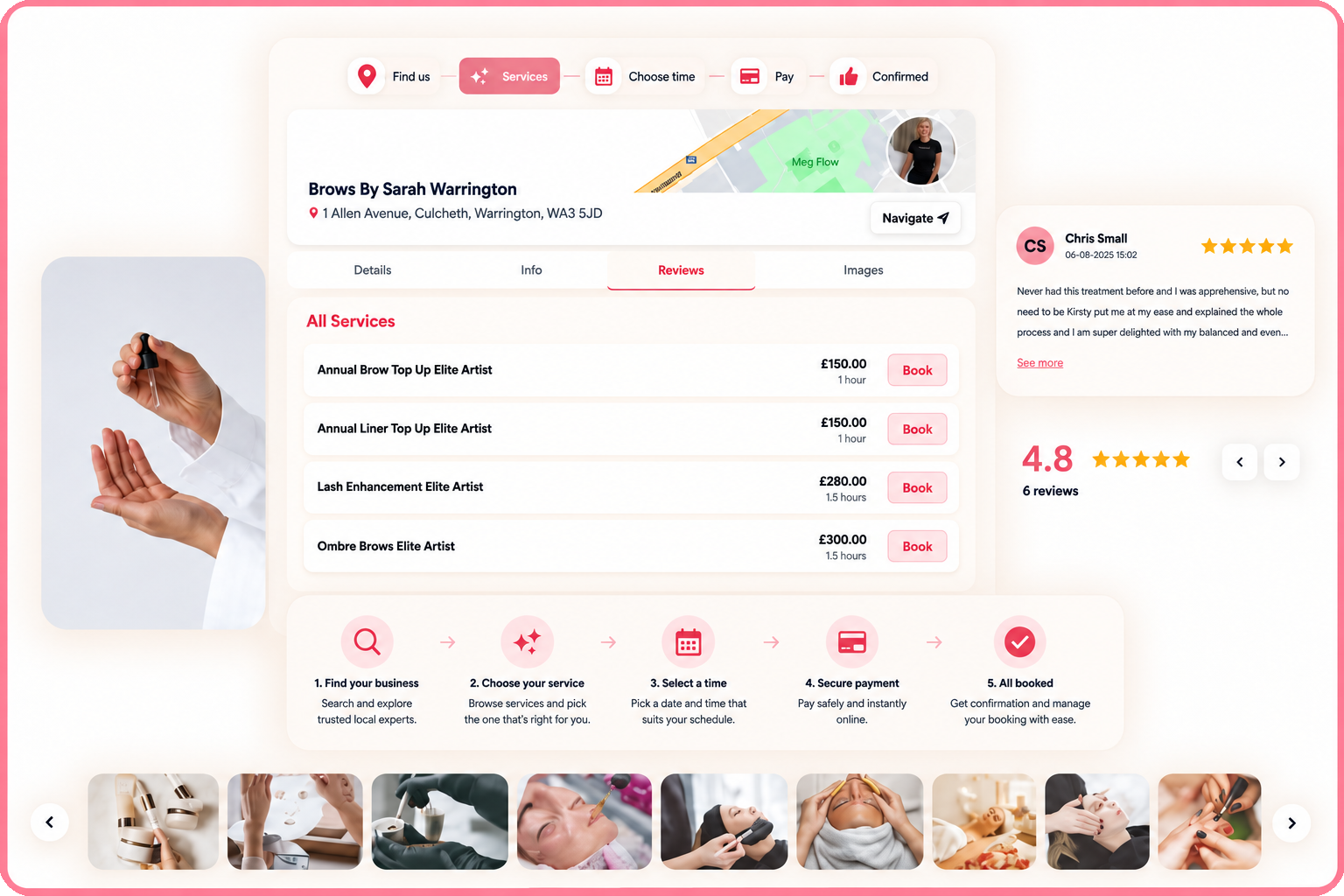
Your portal is fully branded and tailored to your business, so it reads as a natural extension of the experience you already give. Clients book in a space that feels professional and personal, not a generic corporate form.
Answers about online booking on pencilIN.