
Booking lifecycle
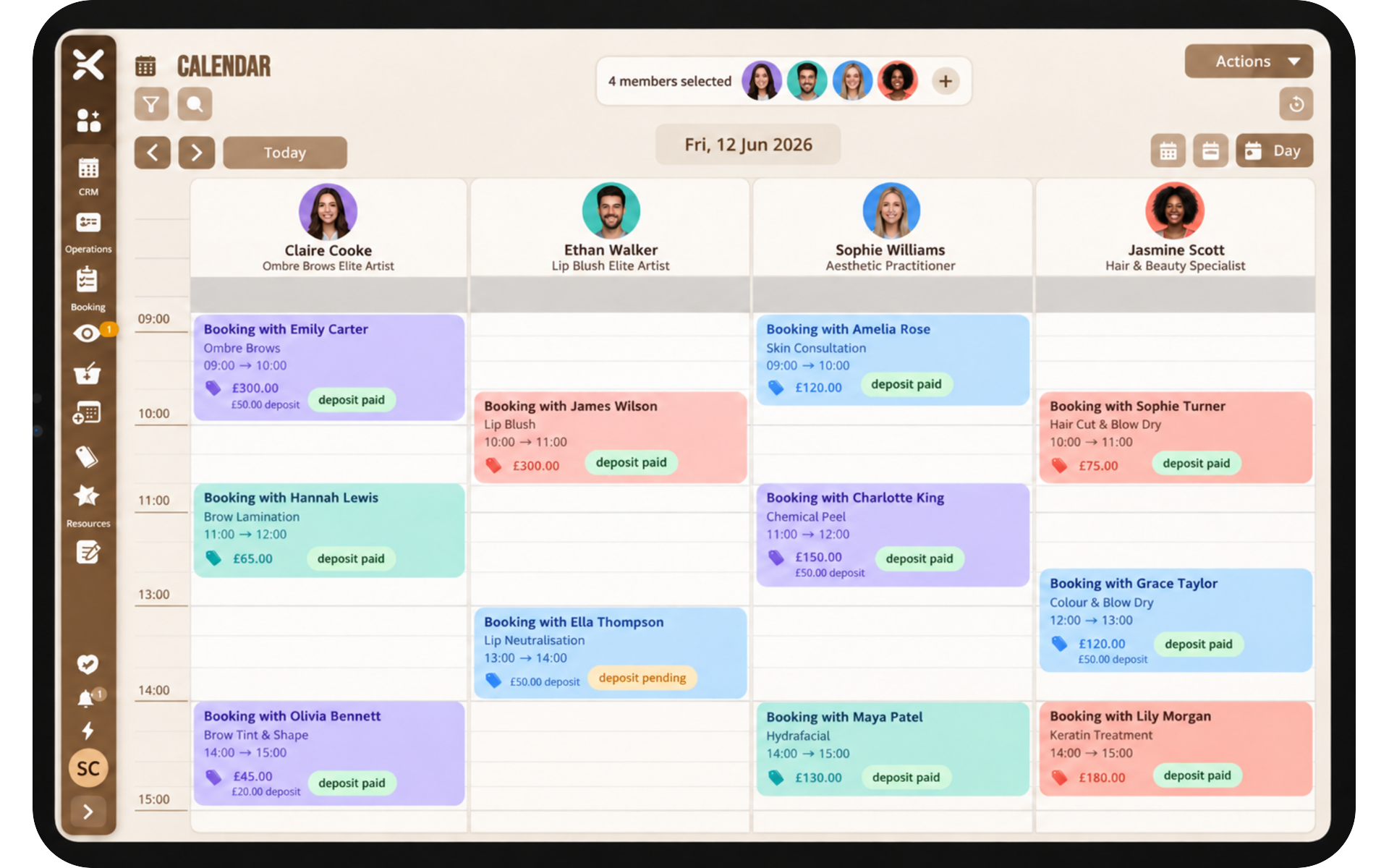
Follow each appointment from draft through confirmed, in progress, and finished so the team shares one status.
Diary & scheduling
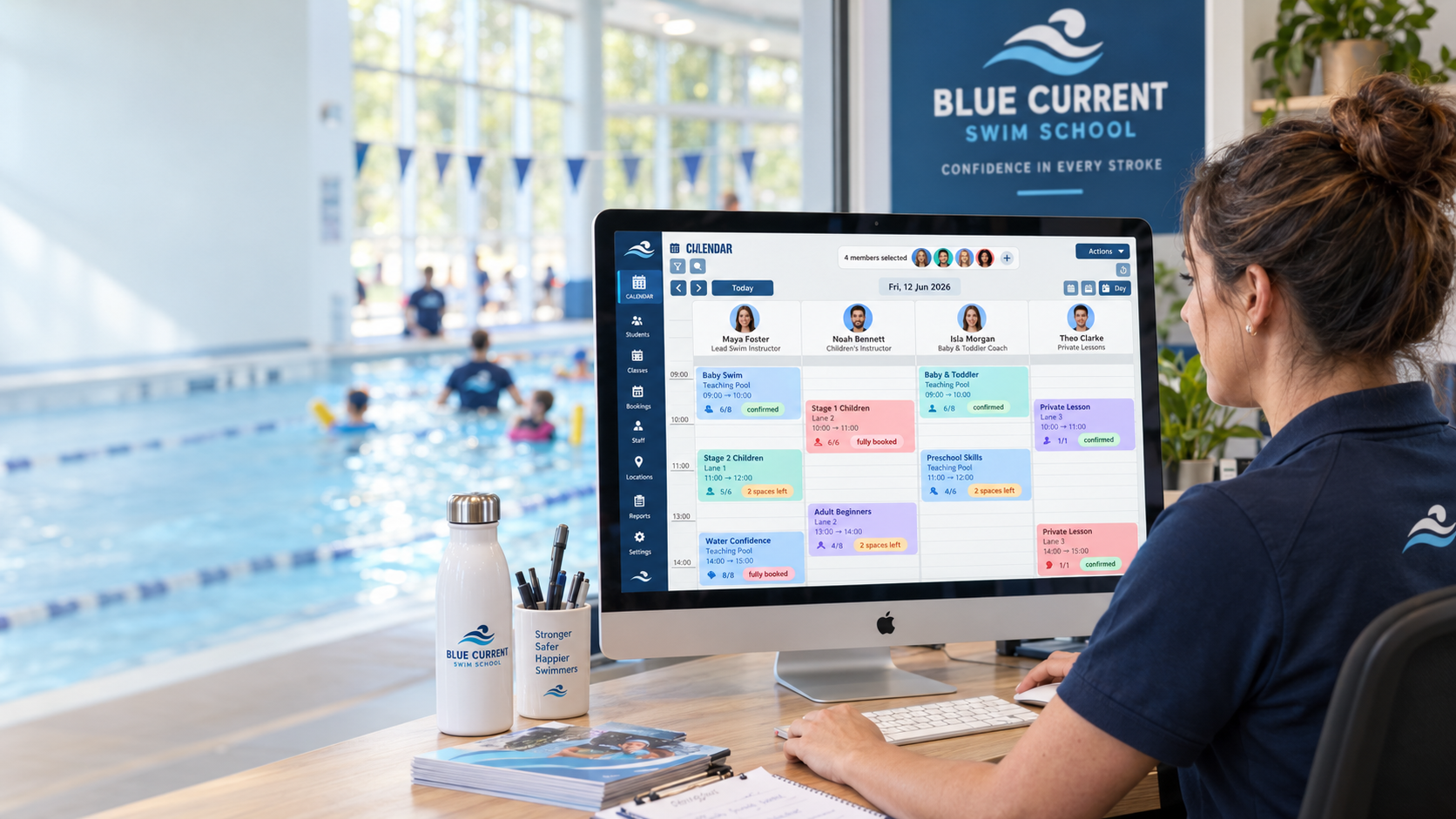
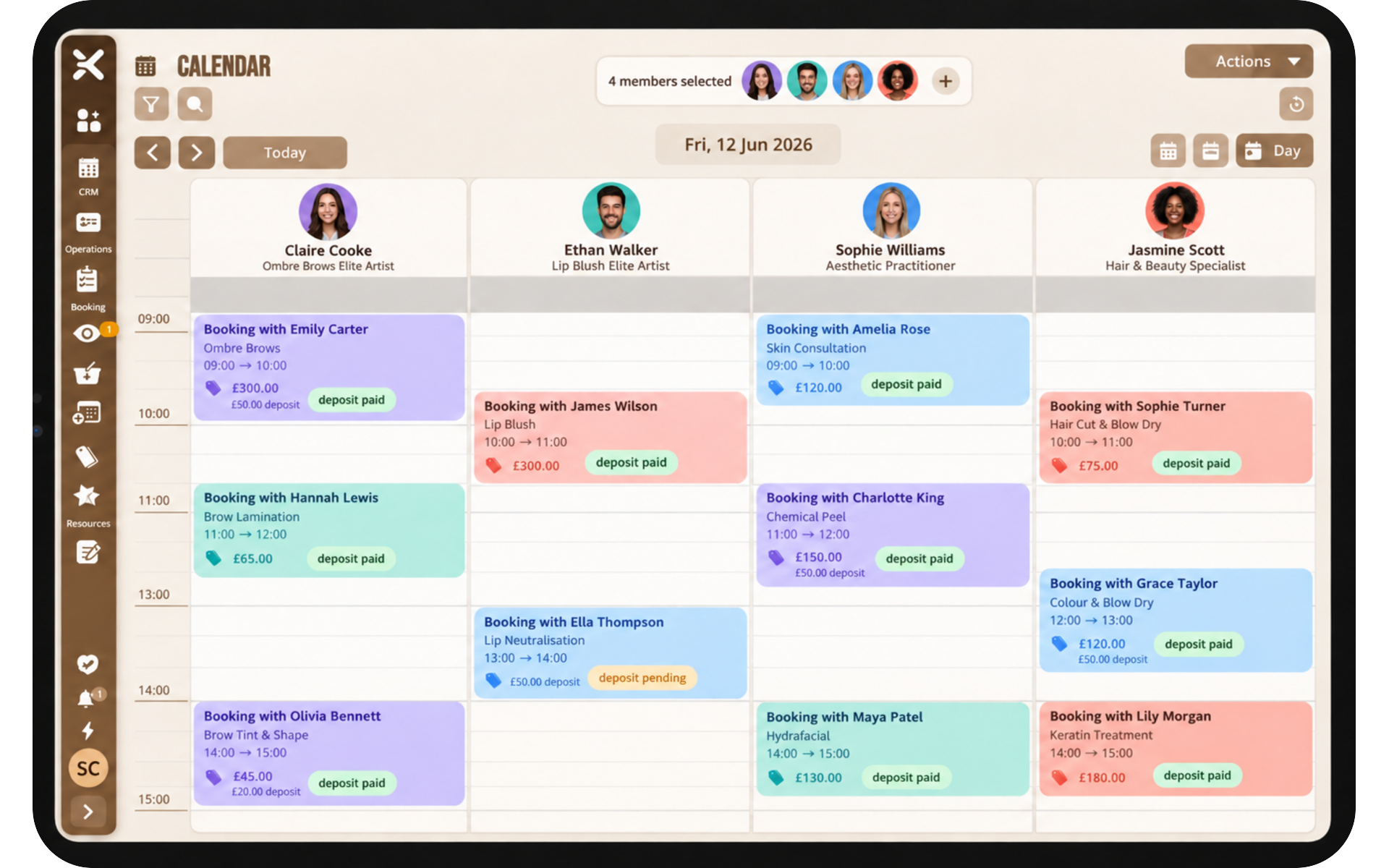
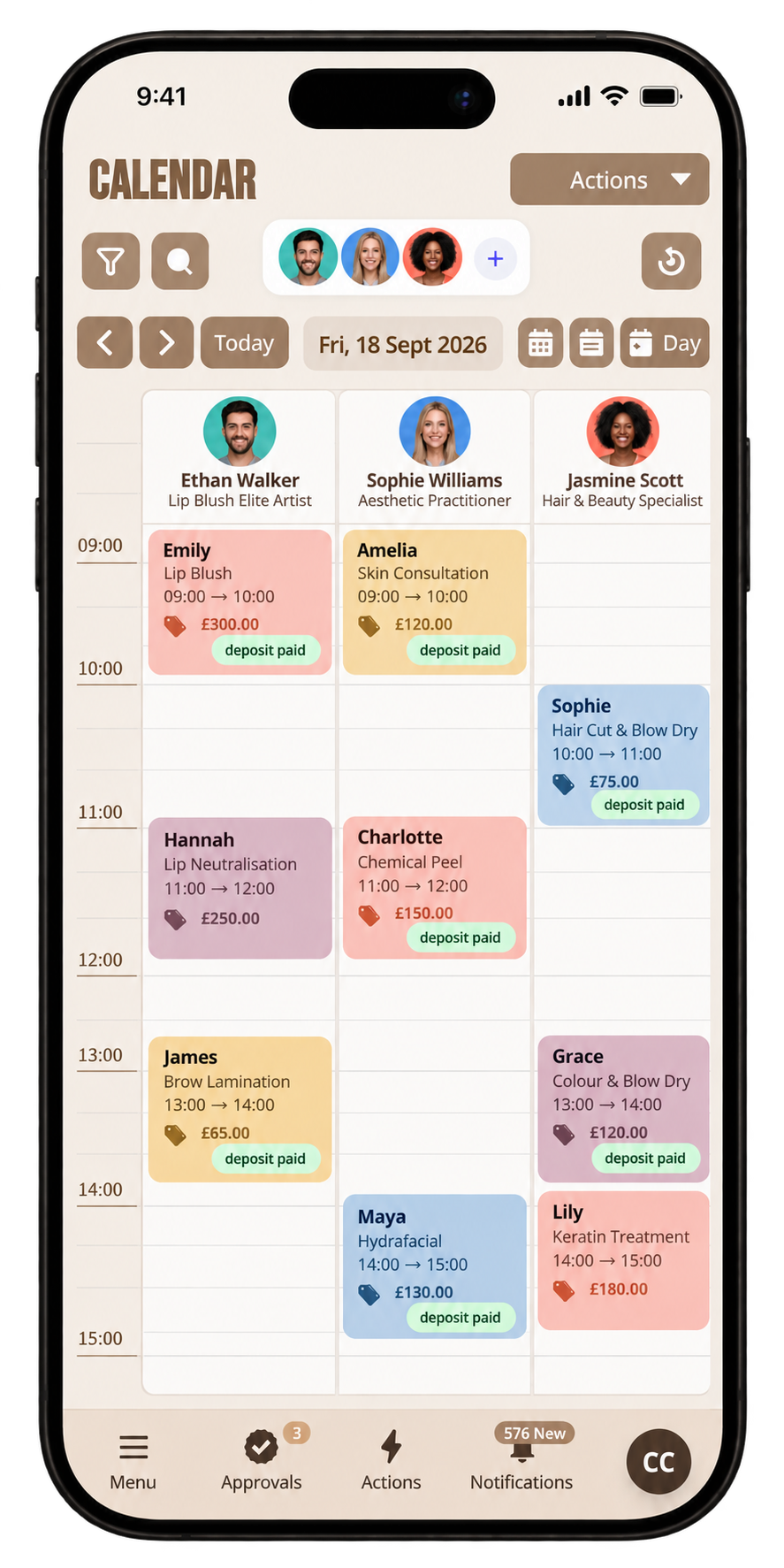
One shared diary for people, hours, and rooms, with status the whole team can see as the day unfolds.
Follow each appointment from draft through confirmed, in progress, and finished so the team shares one status.
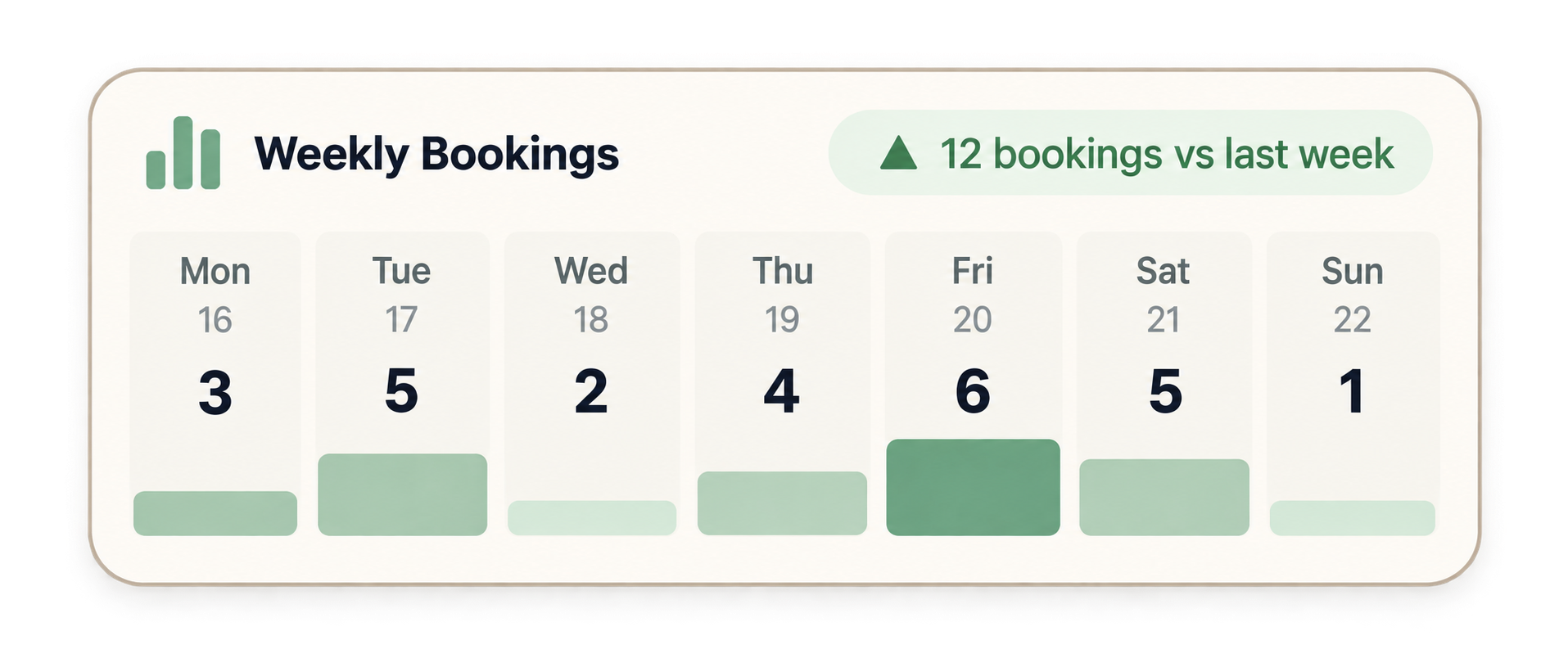
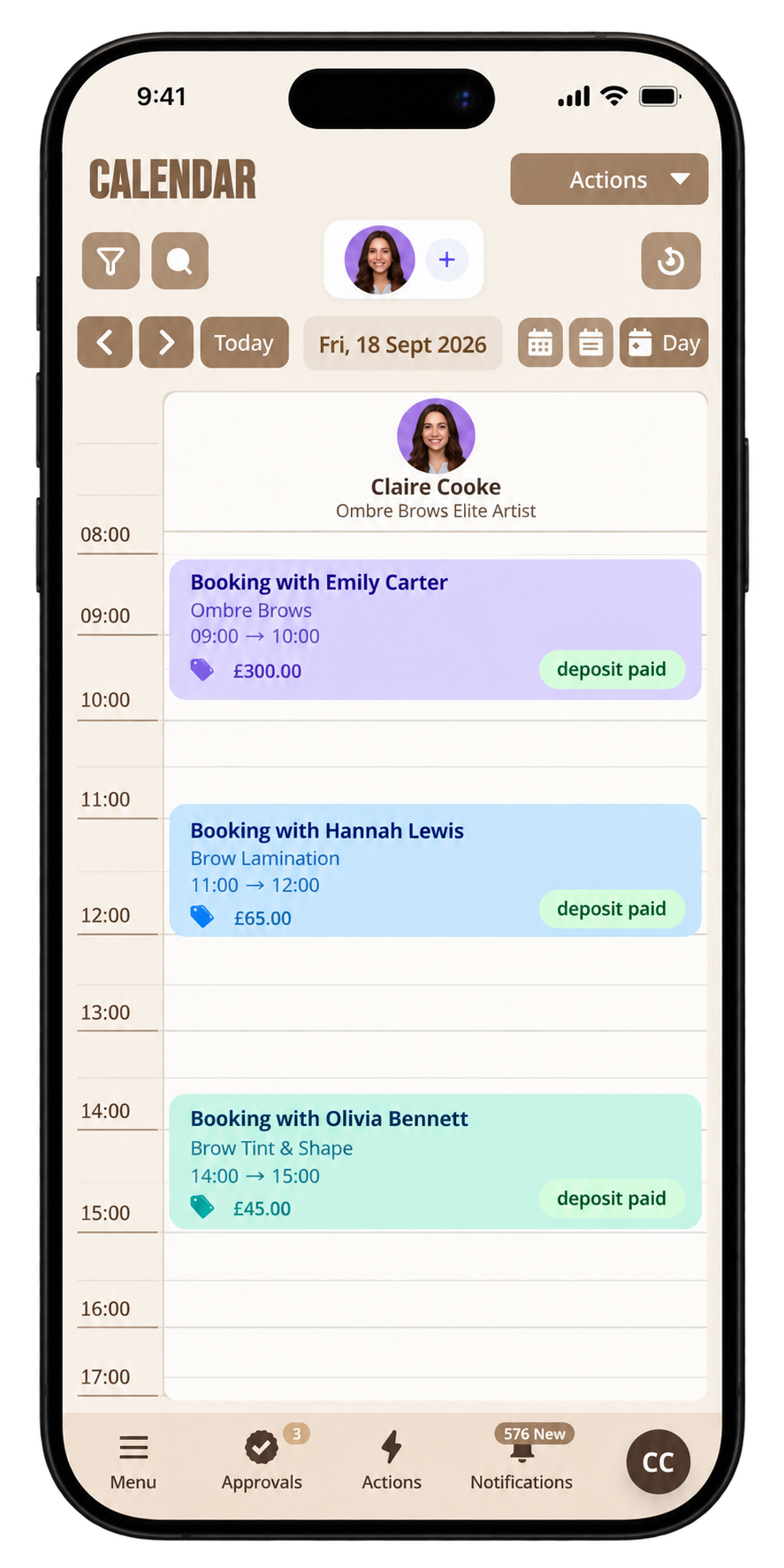
A diary staff can actually use, with month, week, and day views, tied to the same record as messages, payments, and notes.
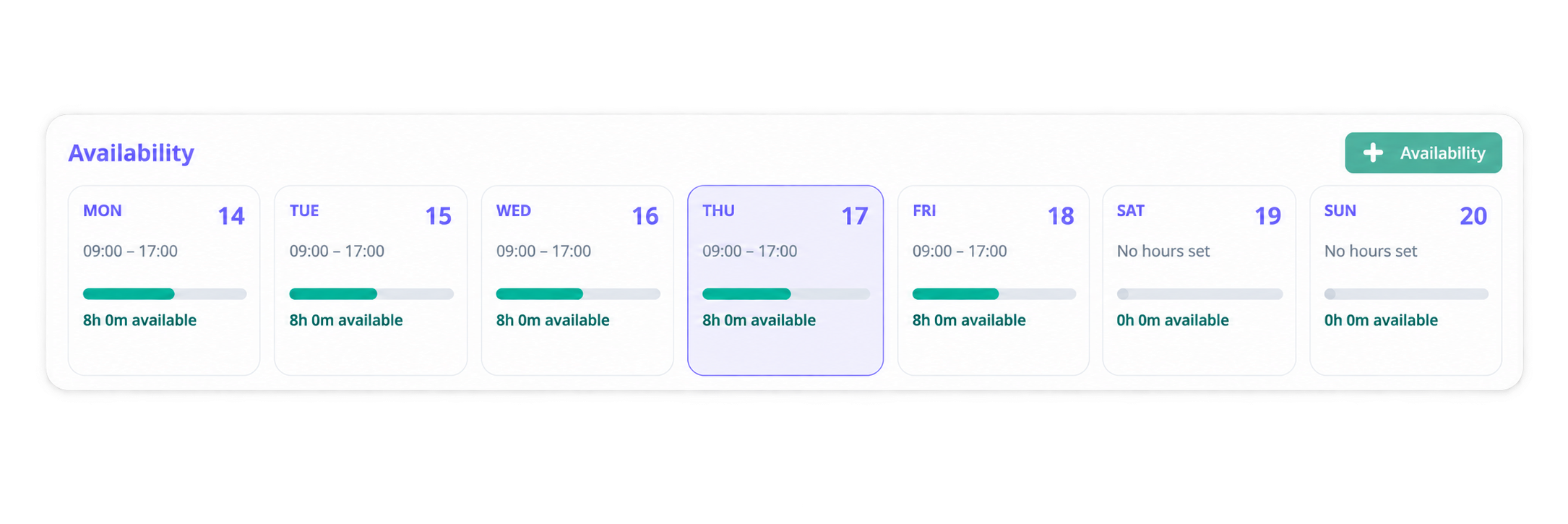
Set working hours, breaks, and exceptions such as holidays so every site shows accurate availability.
Tailor hours and booking rules per site while still following business standards. Pro and above.
Clients request a change. Your team approves or declines. The decision stays on the booking.
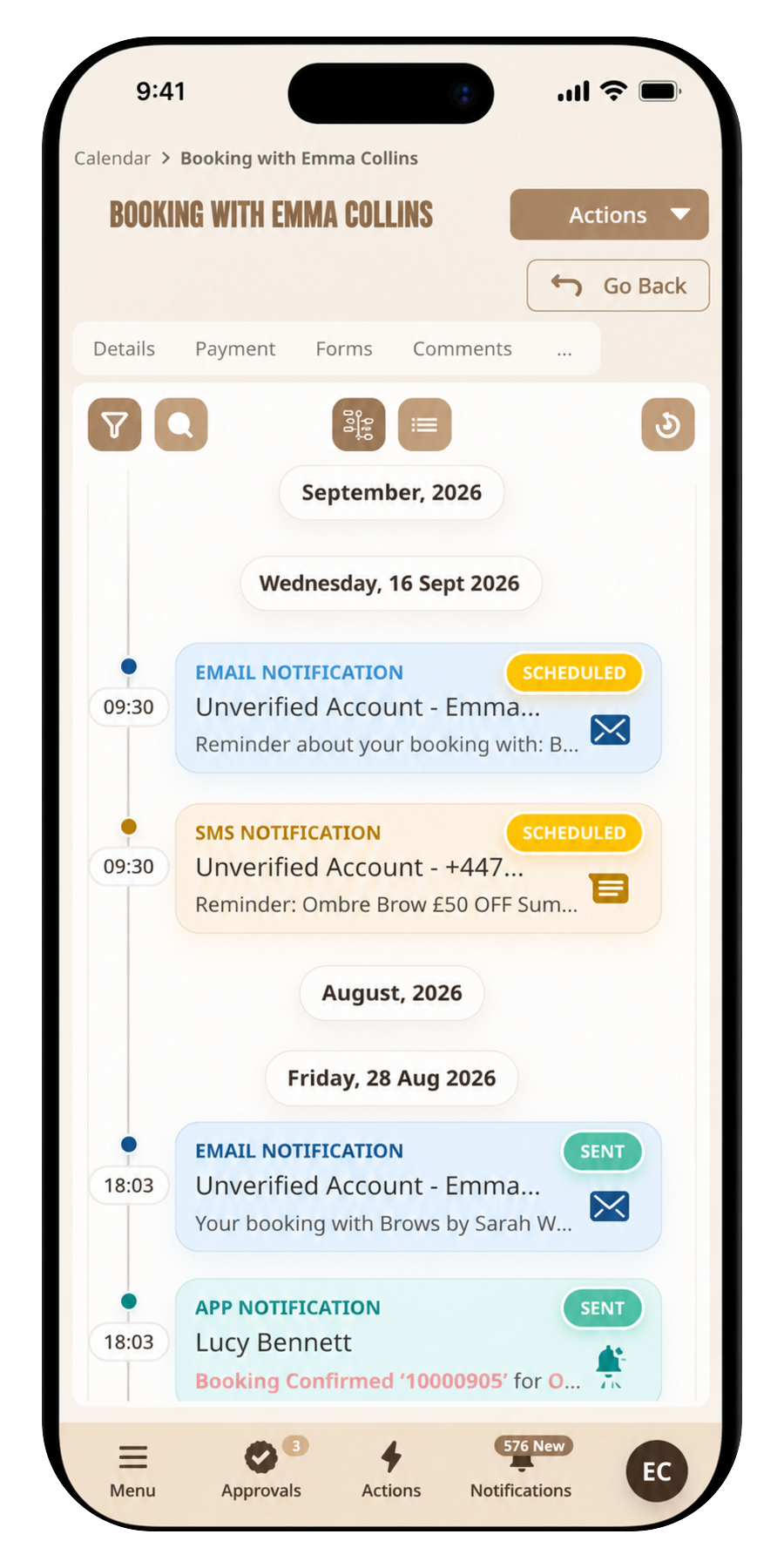
Define what happens around a booking so reminders and next steps fire at the right time.
Block days and exceptions so public availability never offers a slot you cannot honour.
Travel and hospitality use date windows and minimum nights on the same product as appointment slots.
Rebook a client from the diary in a few taps, with shortcuts such as one month or six weeks.
Book a meeting room or piece of equipment alongside the appointment so two bookings cannot take the same space.
Push bookings to Google, Outlook, or iCal so staff see the diary in the calendar they already use.
On the roadmap. Not in the product today.
Fill last-minute gaps by notifying clients who want a cancelled slot.
Create a Teams meeting when the booking is virtual, with the join link on the record.
Mark whether the booking is at your premises, at the client, or online, and show the right location details.
Built around your business
Whether it’s just you, one busy location or a team working across multiple sites, keeps every schedule clear, connected and easy to manage.
Your availability, appointments and client time in one clear diary, so you can stay organised wherever you work.
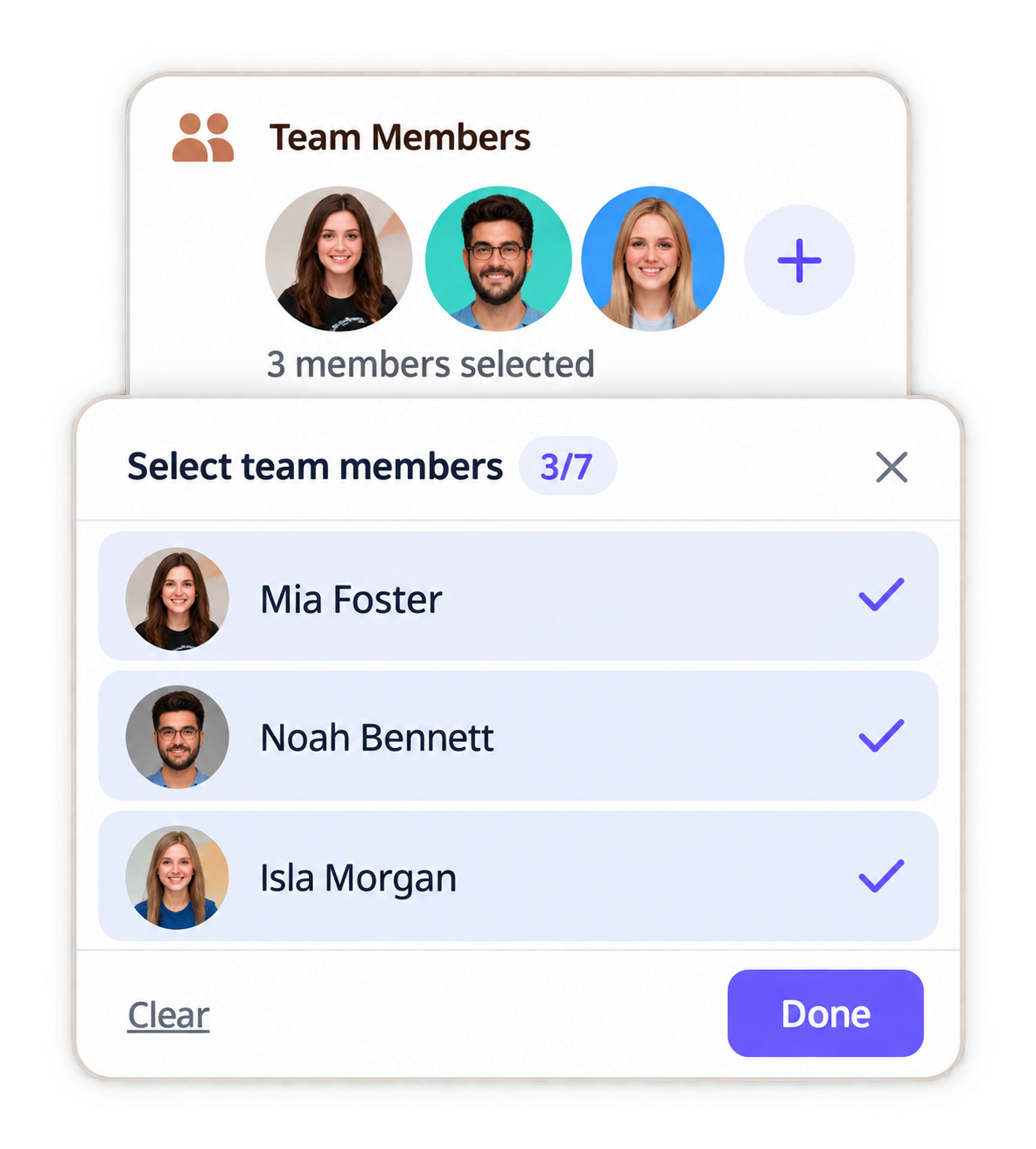
Bring every team member’s schedule into one shared view, spot availability quickly and keep the whole day moving.
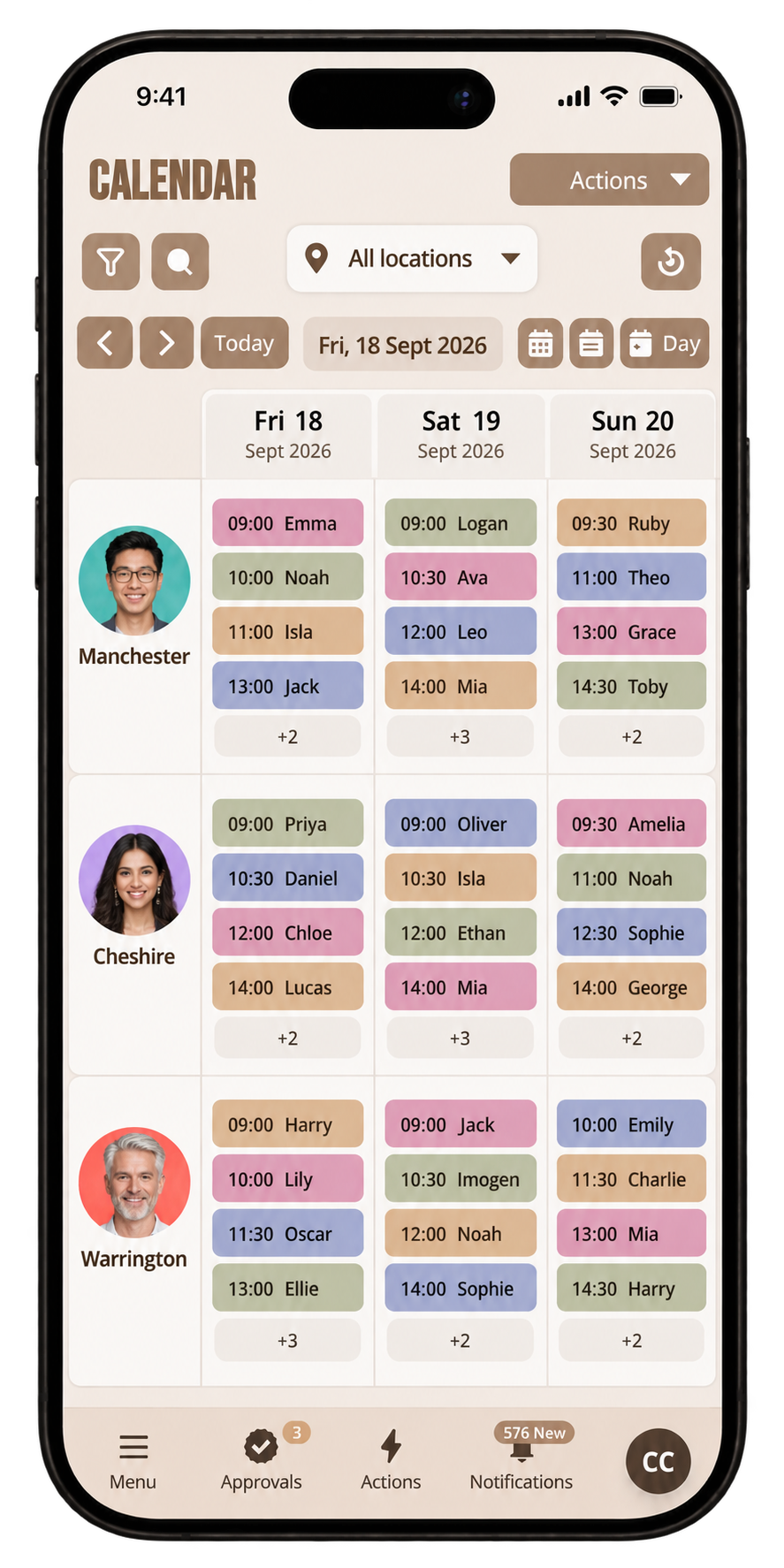
See what’s happening across every site, move between locations easily and keep growing teams working from the same plan.
Answers about diary & scheduling on pencilIN.