
pencilIN features
The all-in-one platform
Bookings, payments, forms, and a public page that looks like you. One platform to run the diary and the client journey.
pencilIN client booking portal
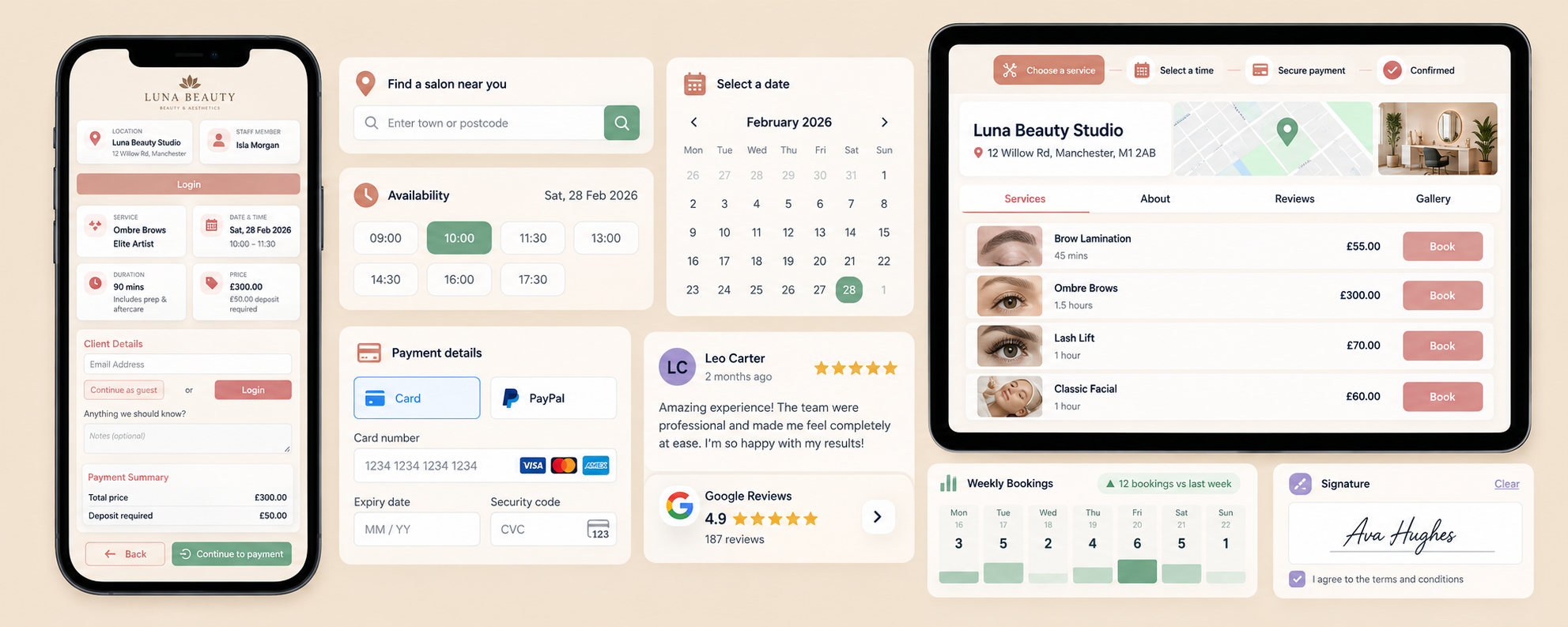
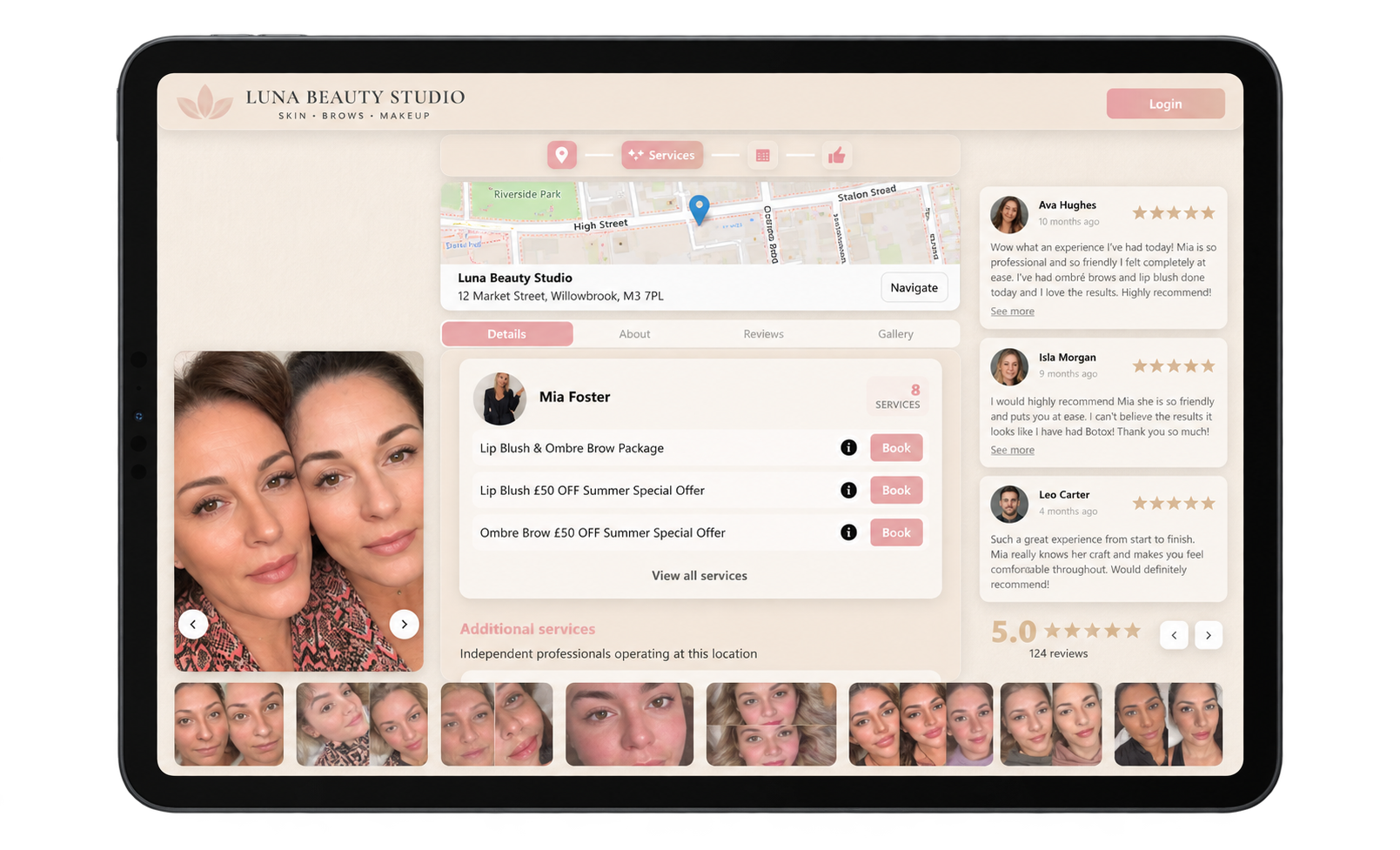
A public booking journey for discovery, slot selection, confirmation, and payment, without staff re-keying the enquiry.
Portal visibility: hidden, private, public
Hidden stays off Explore. Private lets existing clients book. Public lists you so new clients can find and book.
24/7 customer self-service
Clients book against the availability you publish, including evenings and weekends when the desk is closed.
Custom company branding
Theme the public journey so it matches the business, not a generic widget. Pro and above.
Direct company booking URL
Share a personalised URL or a QR code so clients open your page, pick a service, and confirm.
Explore directory
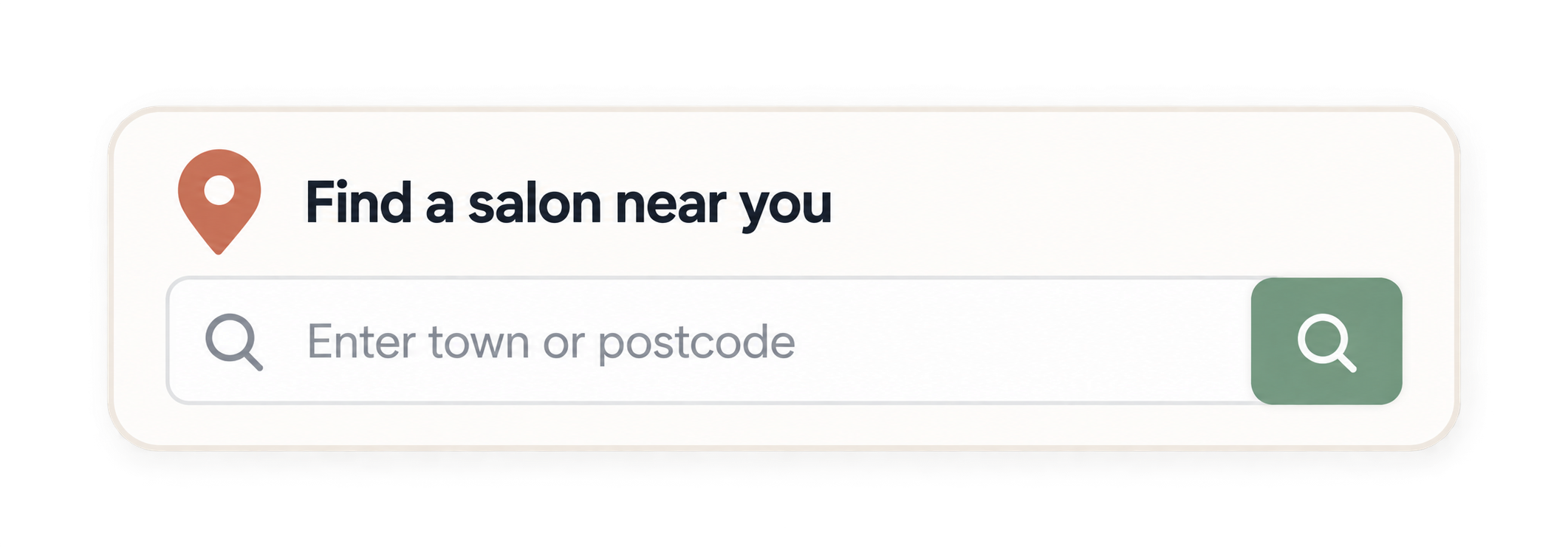
Public businesses can appear on Explore so people searching pencilIN can find and book you. As more businesses join Explore, your outreach to new clients grows with it.
Instant confirmation
Clients finish the journey with a confirmed booking and a record your team can see immediately.
Online appointment scheduling
Services, staff, and availability on one public path so clients book themselves, without your team having to step in.
Your name, your colours, your booking page
Online booking
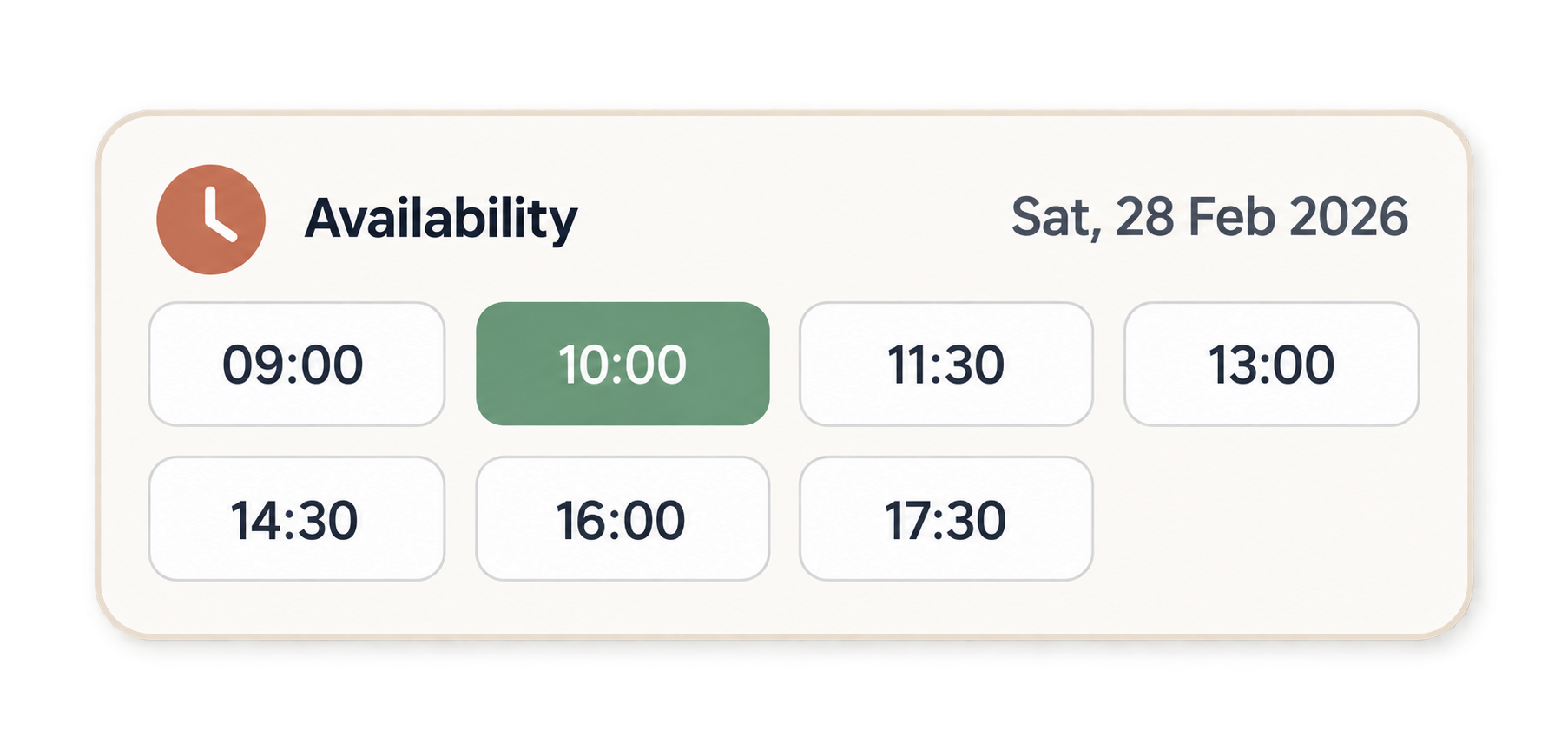
Clients find your business, choose a service and a time, and pay through a branded journey. You decide whether the page is hidden, private to existing clients, or public on Explore.
Booking lifecycle
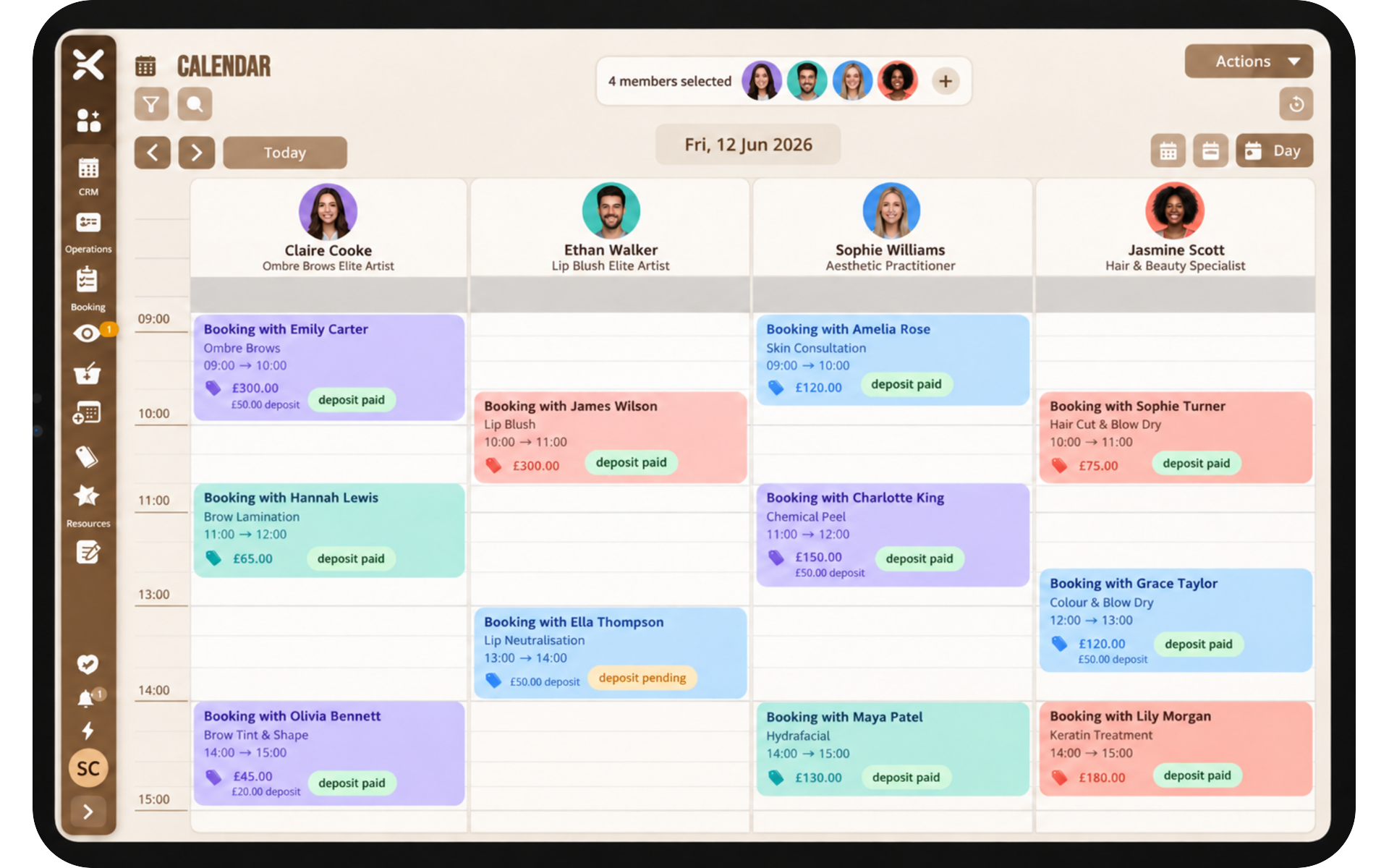
Follow each appointment from draft through confirmed, in progress, and finished so the team shares one status.
Calendar view for your team
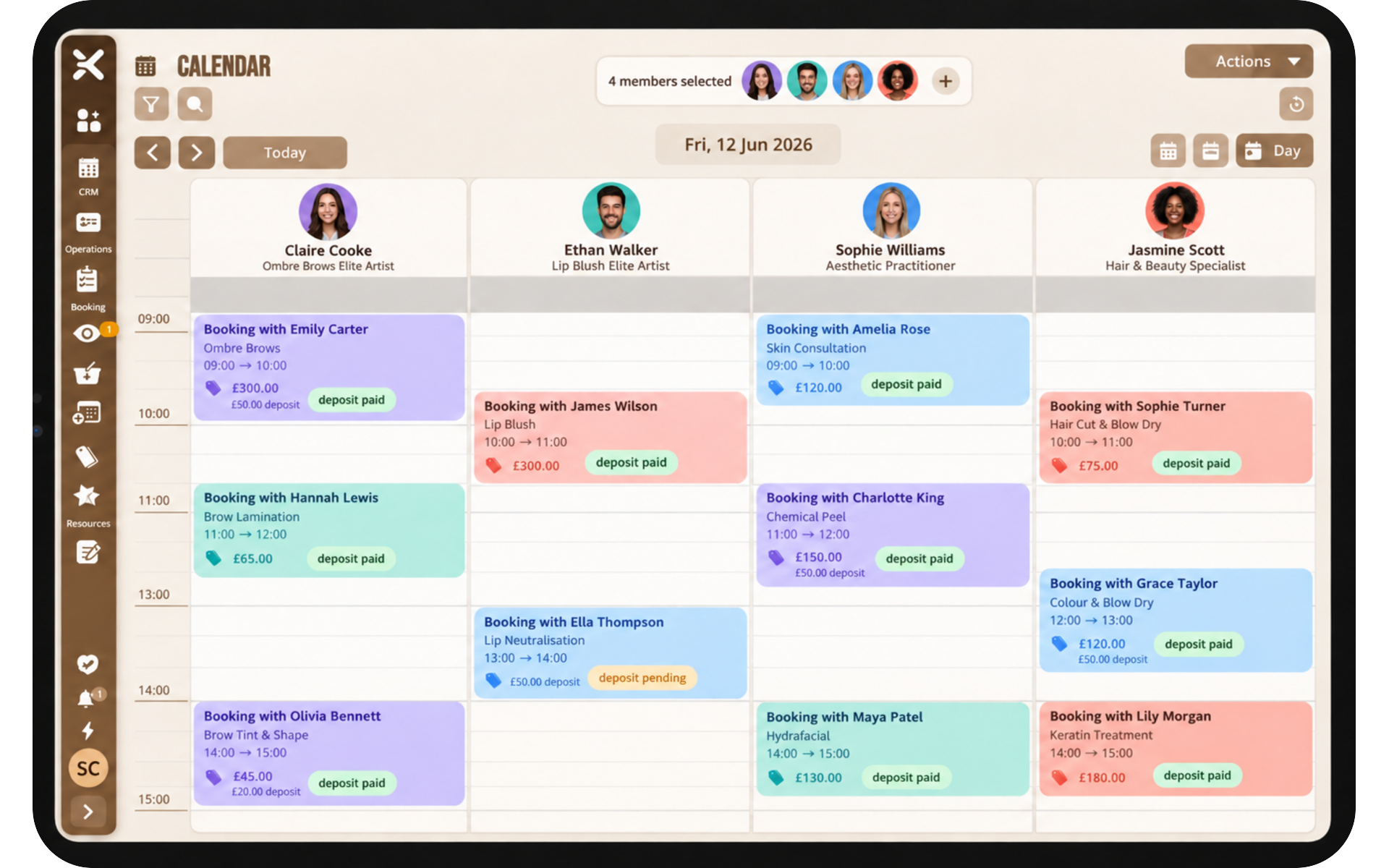
A diary staff can actually use, with month, week, and day views, tied to the same record as messages, payments, and notes.
Availability and working hours
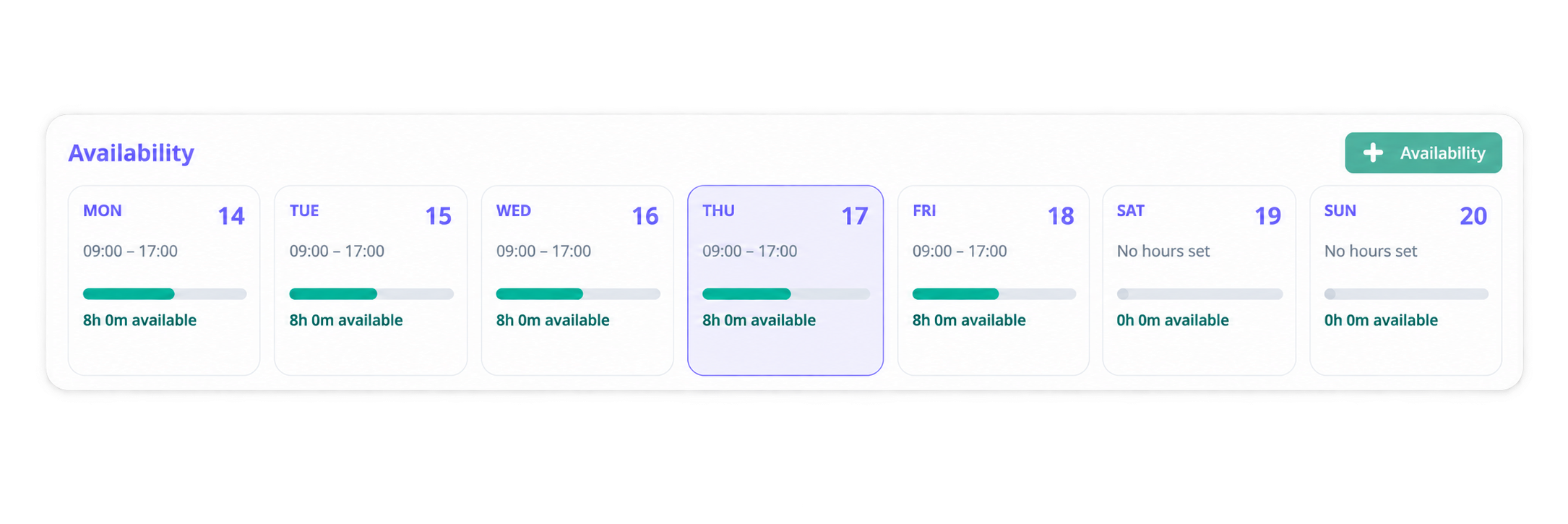
Set working hours, breaks, and exceptions such as holidays so every site shows accurate availability.
Per-location profiles and exceptions
Tailor hours and booking rules per site while still following business standards. Pro and above.
Reschedule requests with approval
Clients request a change. Your team approves or declines. The decision stays on the booking.
Configurable statuses and workflows
Define what happens around a booking so reminders and next steps fire at the right time.
Time off, holidays, and breaks
Block days and exceptions so public availability never offers a slot you cannot honour.
Overnight stays and date windows
Travel and hospitality use date windows and minimum nights on the same product as appointment slots.
Staff quick rebook
Rebook a client from the diary in a few taps, with shortcuts such as one month or six weeks.
Rooms and resources
Book a meeting room or piece of equipment alongside the appointment so two bookings cannot take the same space.
Personal calendar integration
Push bookings to Google, Outlook, or iCal so staff see the diary in the calendar they already use.
One Diary, One Truth
Diary & scheduling
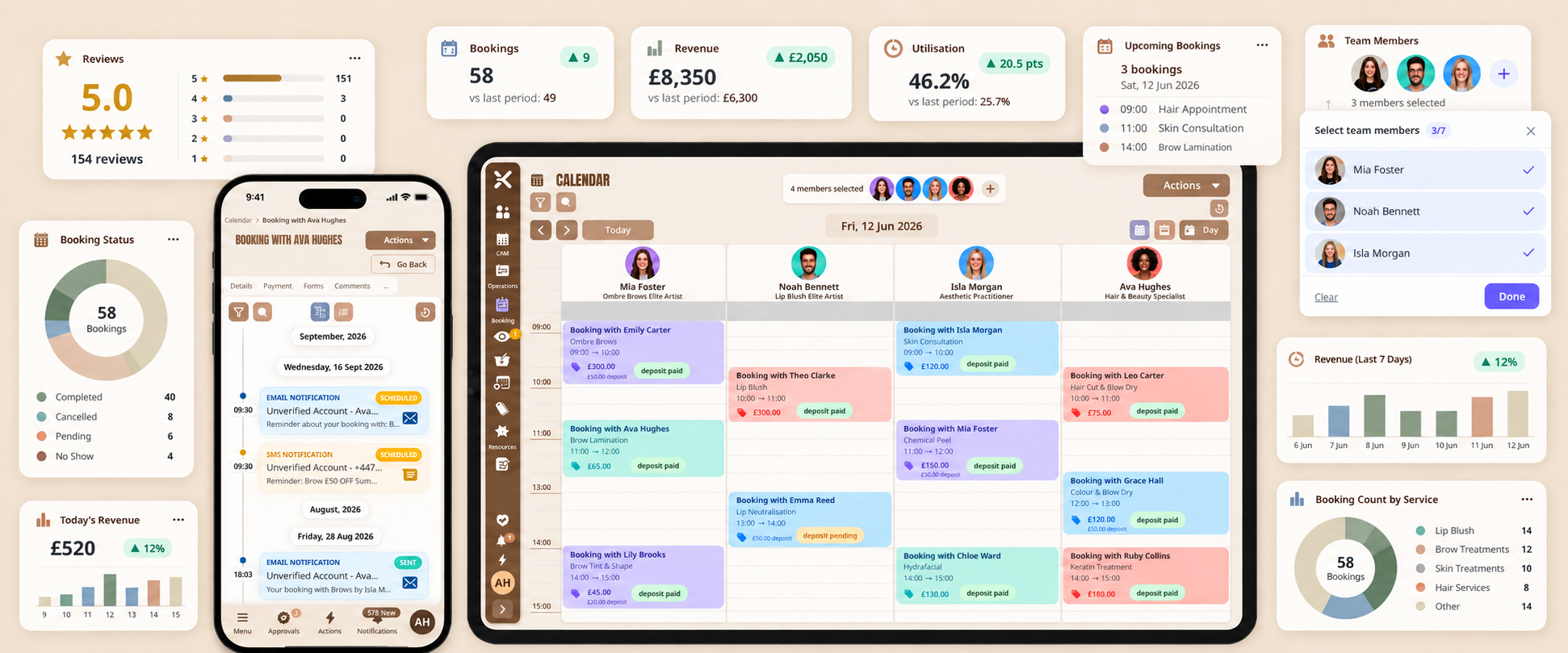
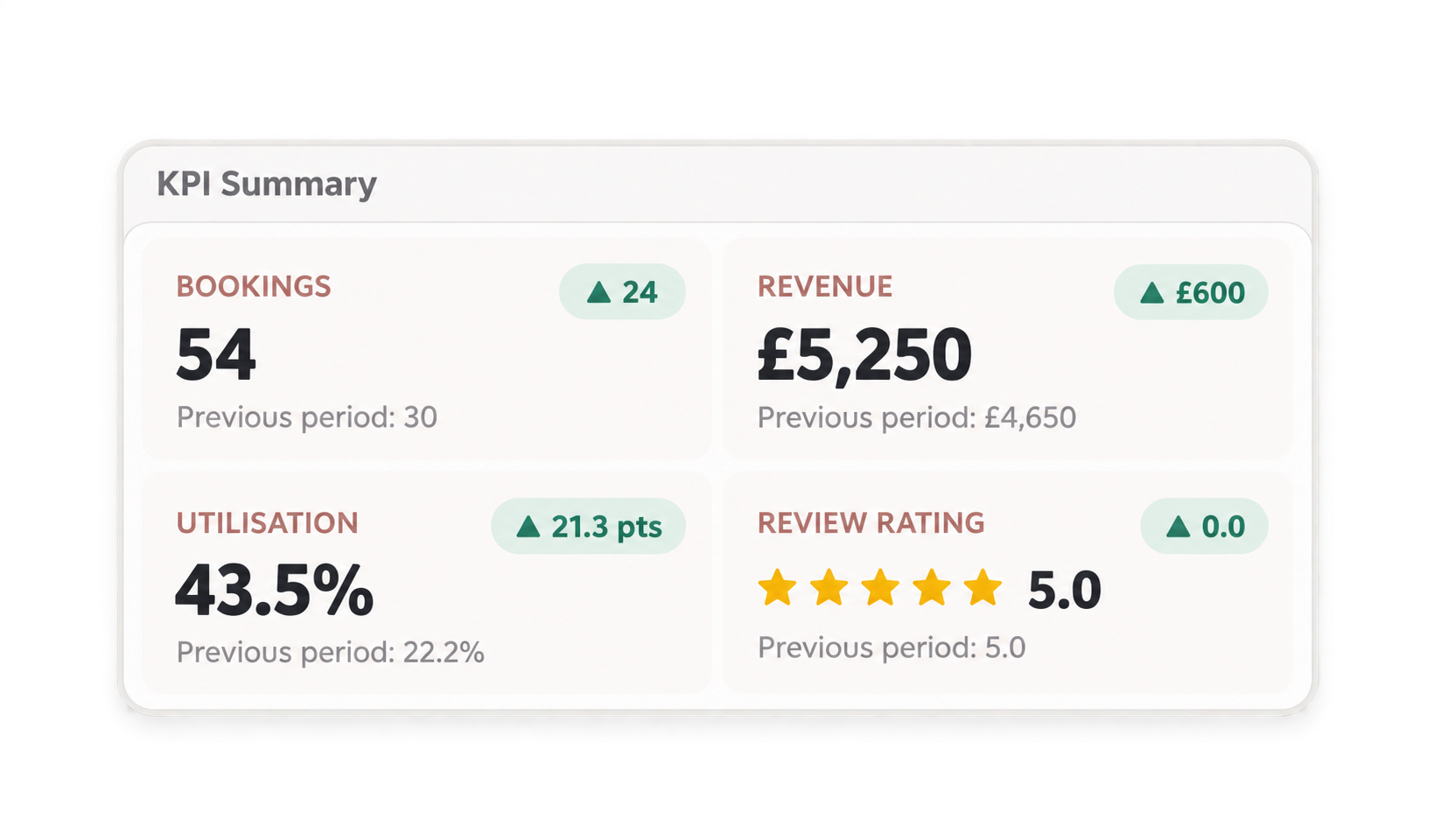
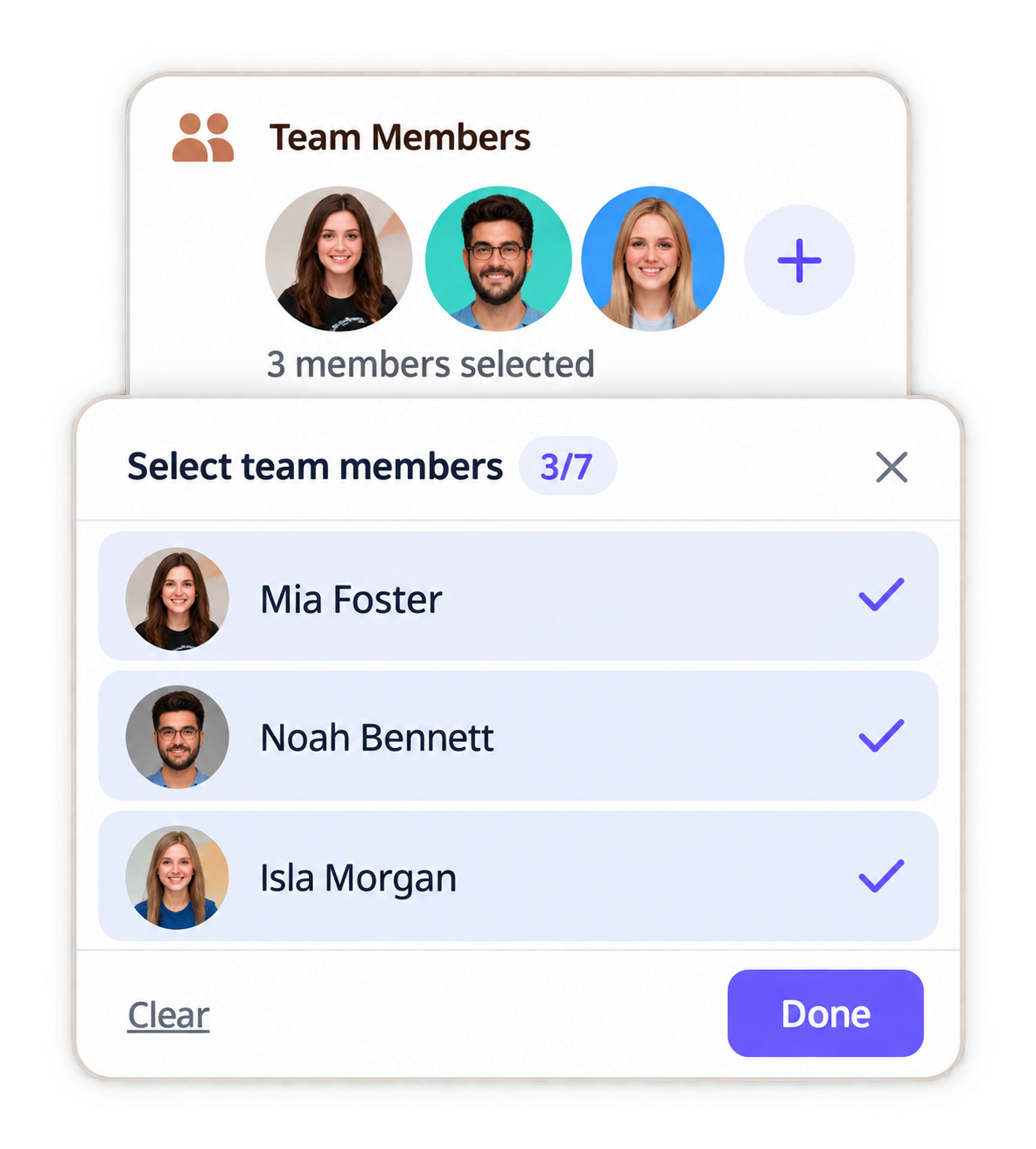
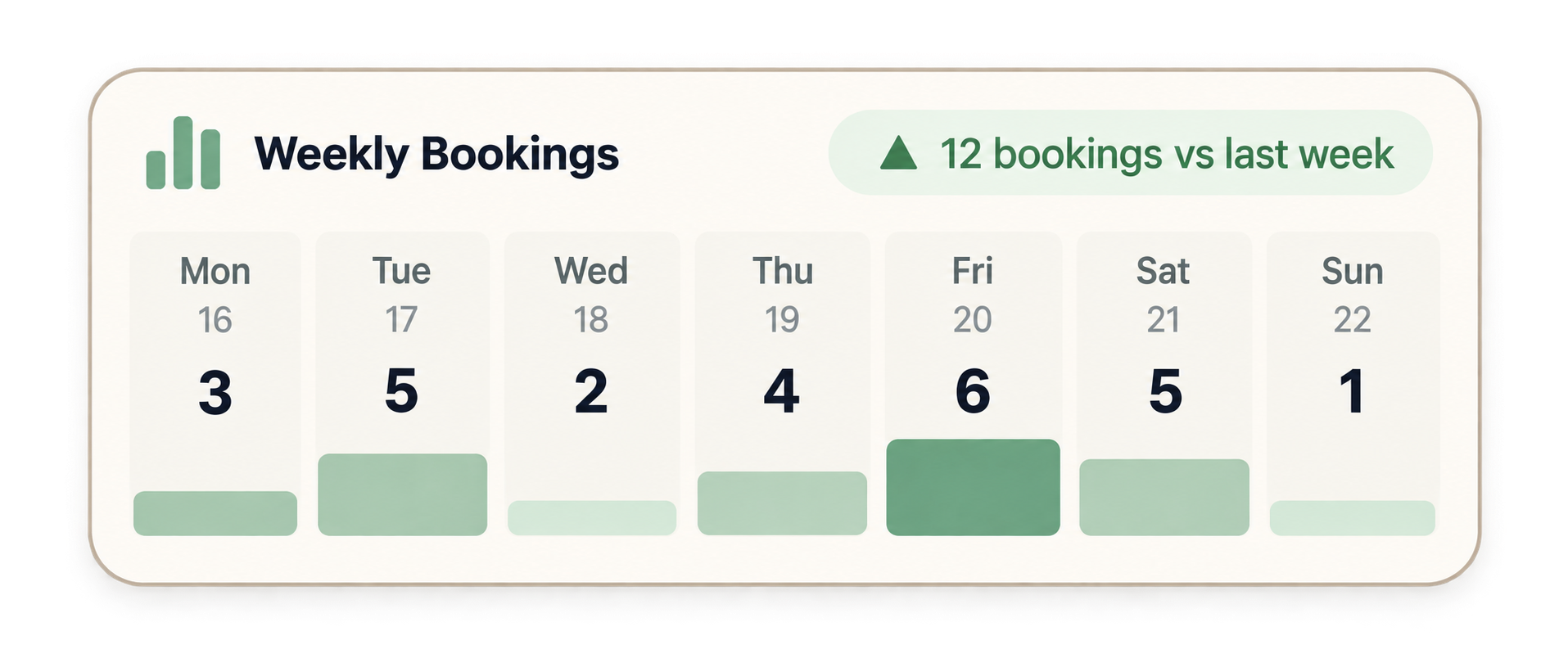
Create, move, and complete bookings with a shared lifecycle. Set hours and exceptions per location, approve reschedule requests, and manage the team from one diary, with KPIs that help you grow.
Collect, split, and protect
Payments & protection
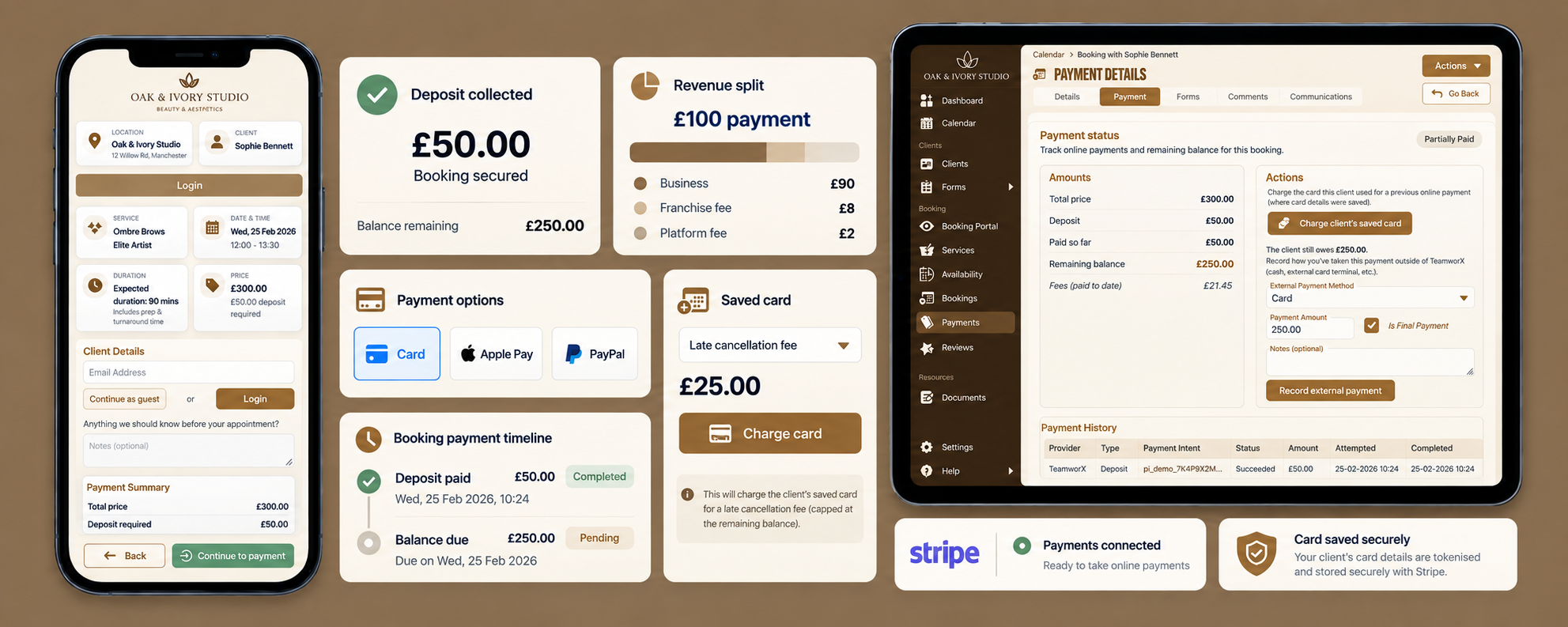
Take full payment or a deposit on the booking, auto-charge late cancellations and no-shows on Pro, and split revenue at the point of sale on Enterprise for franchise, chair, or commission fees.
Full payments on services
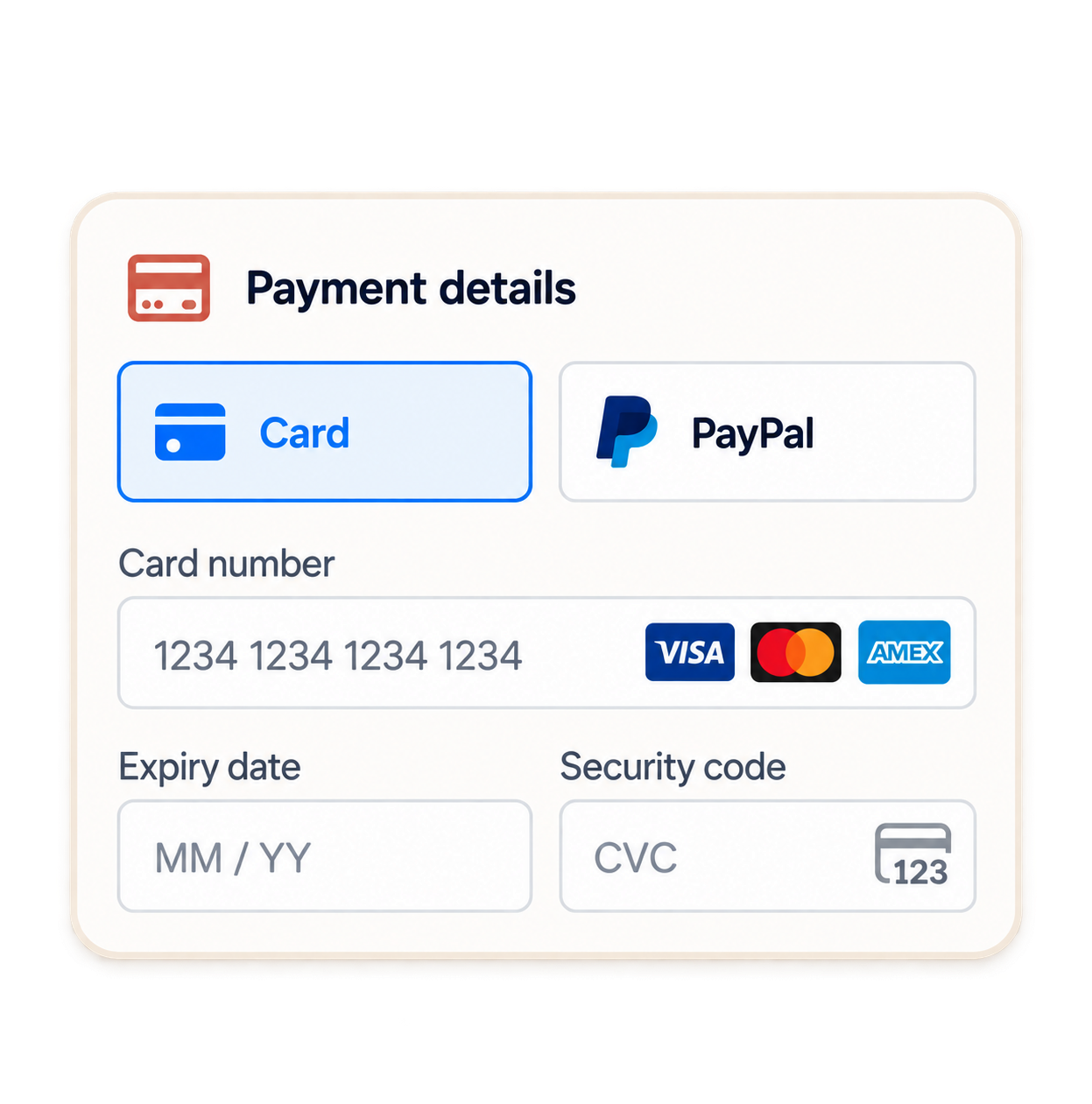
Collect the service total on the booking. Card payments carry a stated transaction fee (rate may vary by method).
Deposit payments
Charge a deposit instead of the full amount at booking so the slot is committed. Pro and above.
Auto-charge late cancellations and no-shows
Take a stated fee when a client cancels late or does not attend, with a card on the booking. Pro and above.
Payments on the booking timeline
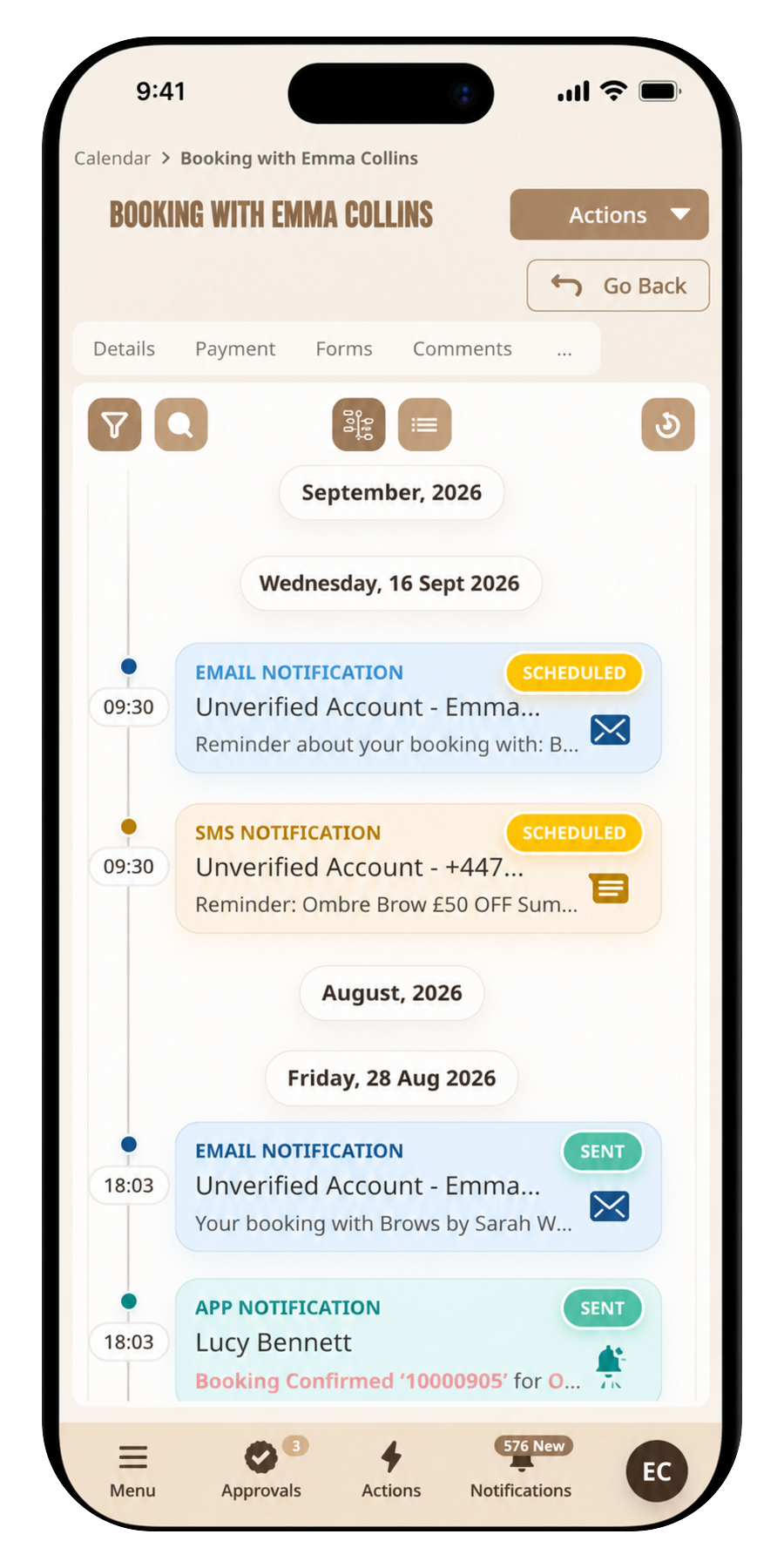
Status, messages, and payments sit on one record so nobody hunts a separate till roll.
Franchise revenue split
Automatic owner share at the point of sale for multi-site networks. Enterprise.
Automated payment splits
Move an agreed percentage or amount to another balance when the booking is paid, without a monthly chase. Enterprise.
Reminders, reviews, and notes in one place
Clients & communications
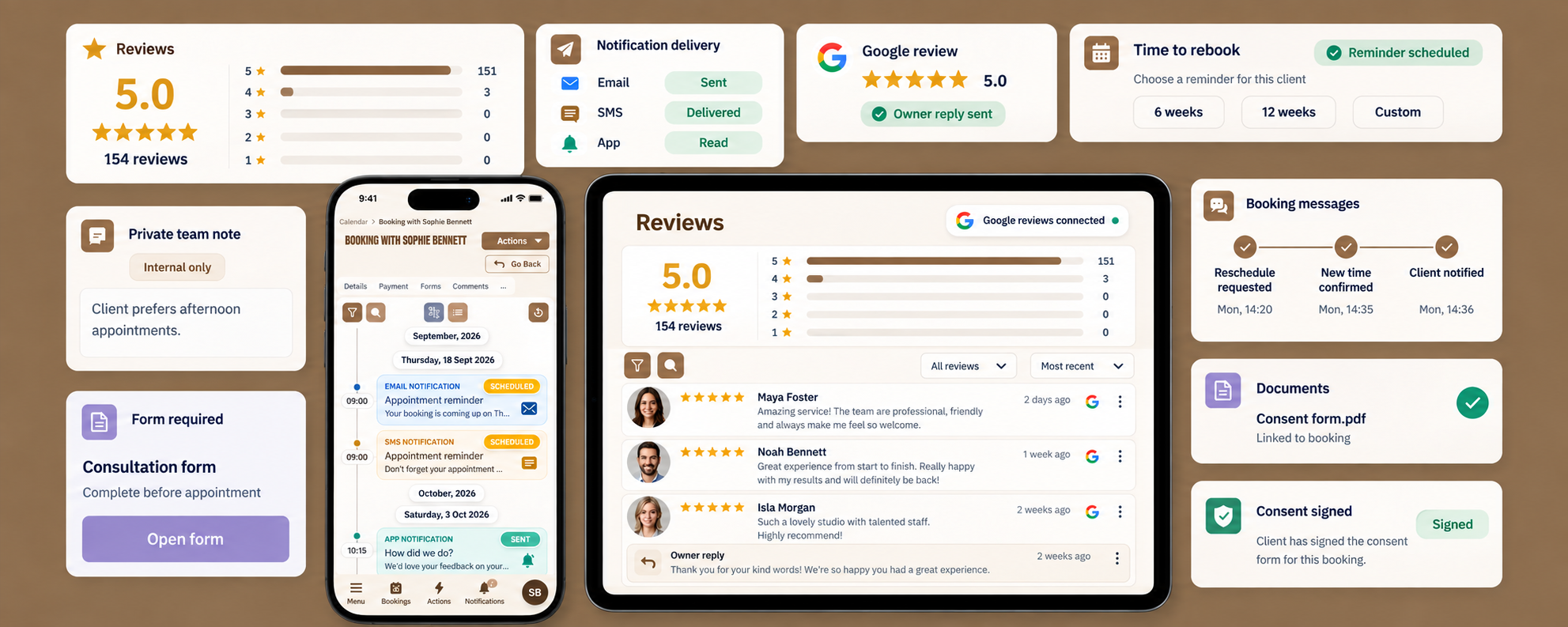
Email and app notifications ship on Basic. SMS is on Pro. Reviews, private notes, Google Business Profile reviews, and TeamworX forms and documents keep the client journey in one place.
App and email notifications
Confirmations and reminders by app and email so clients know what they booked.
SMS notifications
SMS on Pro, with a monthly segment allowance, for reminders that actually get read.
Reviews and notes on the booking
Client feedback and private team comments stay on the visit record. Pro and above.
Google Business Profile reviews
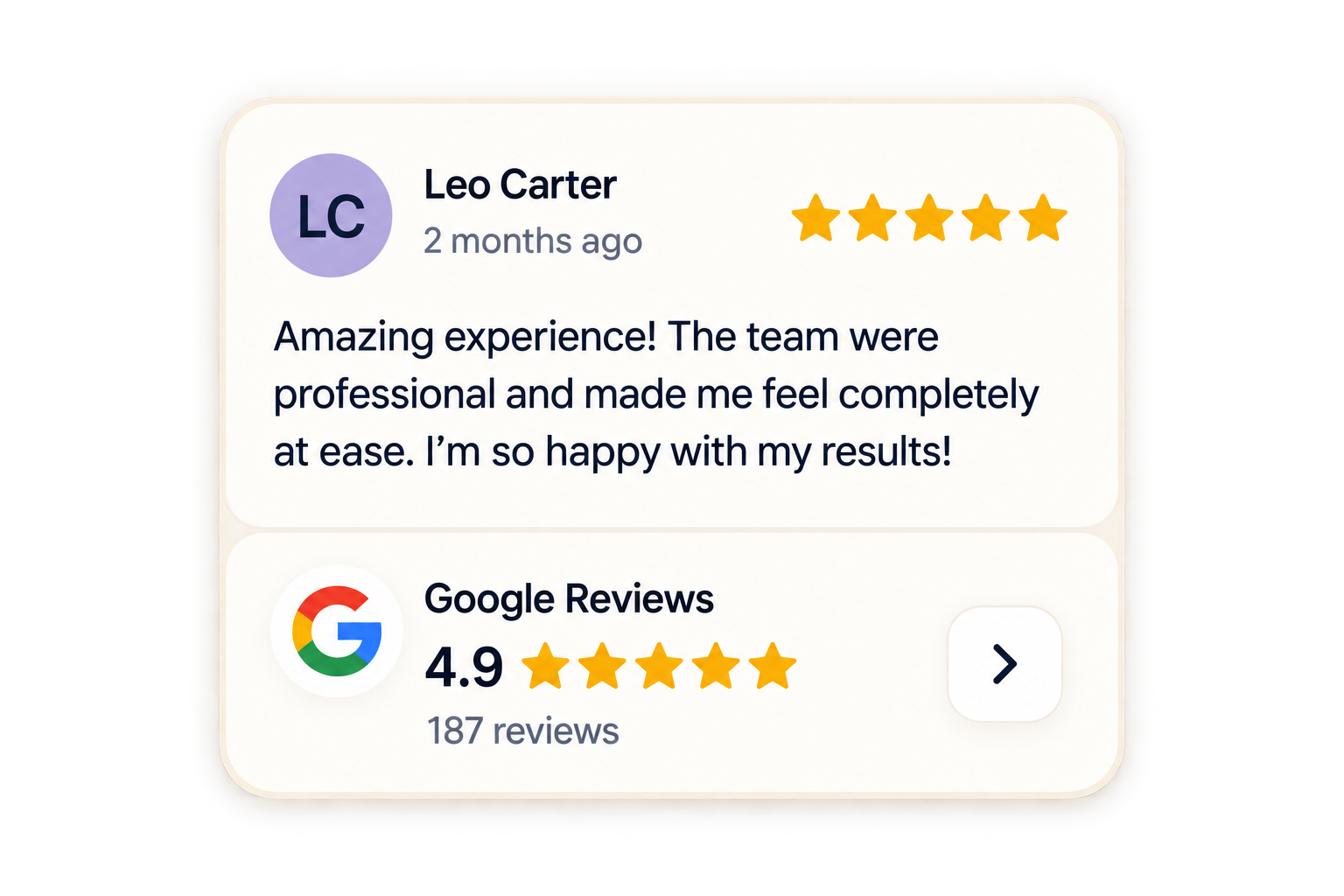
Monitor and respond to Google reviews inside TeamworX, connected to bookings. Pro and above.
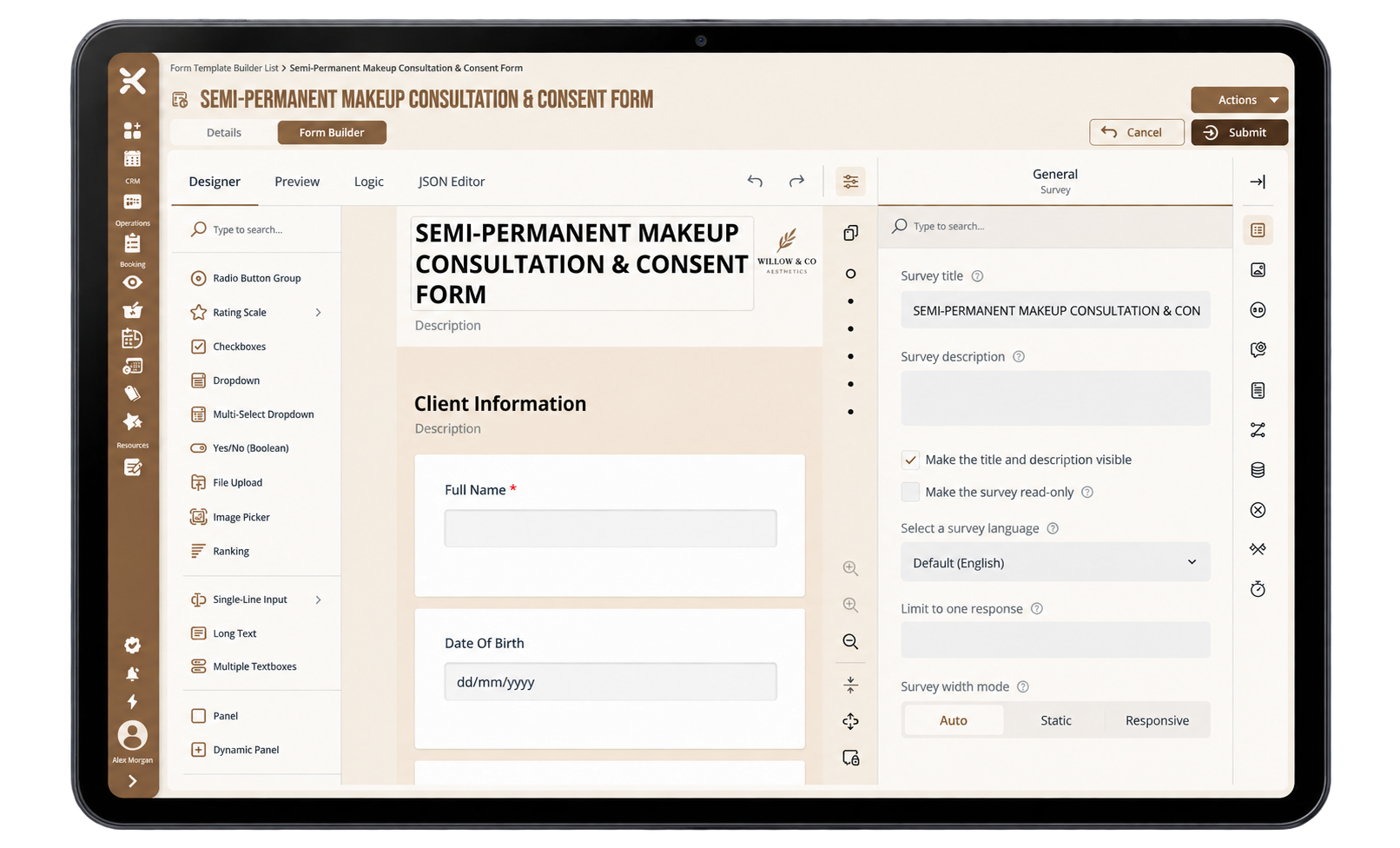
Digital forms on the journey
Collect intake or consent through TeamworX forms before the appointment. Pro integrations.
Documents on the booking
Link documents to the booking so the file is not sitting in a separate drive. Pro integrations.
Messages on the booking record
Keep reschedule chatter and notices on the same timeline as status and payment.
Automated rebook reminders and chase
Prompt clients to book the next visit, then chase if they do not. Distinct from appointment reminders.
Grow the team without outgrowing the product
Team & growth
Pay for the booking seats you need. Enterprise adds flexible seats across locations, subcontractor seats, and franchise-ready licensing. Pro connects documents, forms, dashboards, and ads tracking.
Booking seats and company admin
Licences follow the seats you need today, with a company admin account on every plan.
TeamworX module integrations
Open the TeamworX ecosystem from every booking — documents, forms, payments, dashboards, and new modules as they launch, so you can keep growing on one platform. Pro and above.
Ads tracking
Connect Meta, Google Ads, and more as we add them, so a confirmed paid booking can fire the right conversion event. Pro integrations.
Flexible seats across locations
Move capacity across sites as the roster changes. Enterprise.
Subcontractor seats
Invite room renters and visiting professionals on Enterprise, from £4.99 a month each.
Dashboards
Customisable dashboards and widgets that turn operational data into clear, visual insights you can act on.
Frequently asked questions
Licences, public booking, reminders, and how sits next to teamworX.