
Who owns the client relationship
Marketplace-first products put you next to competitors in the same checkout. That can be fine for discovery. It is a poor fit if you already have demand and want a branded page. is a public portal for licensed businesses, not a mall of every salon in the postcode.
Ask where the confirmation email comes from and whether the client must keep an account on someone else's network to book you again.
Does the diary match operations
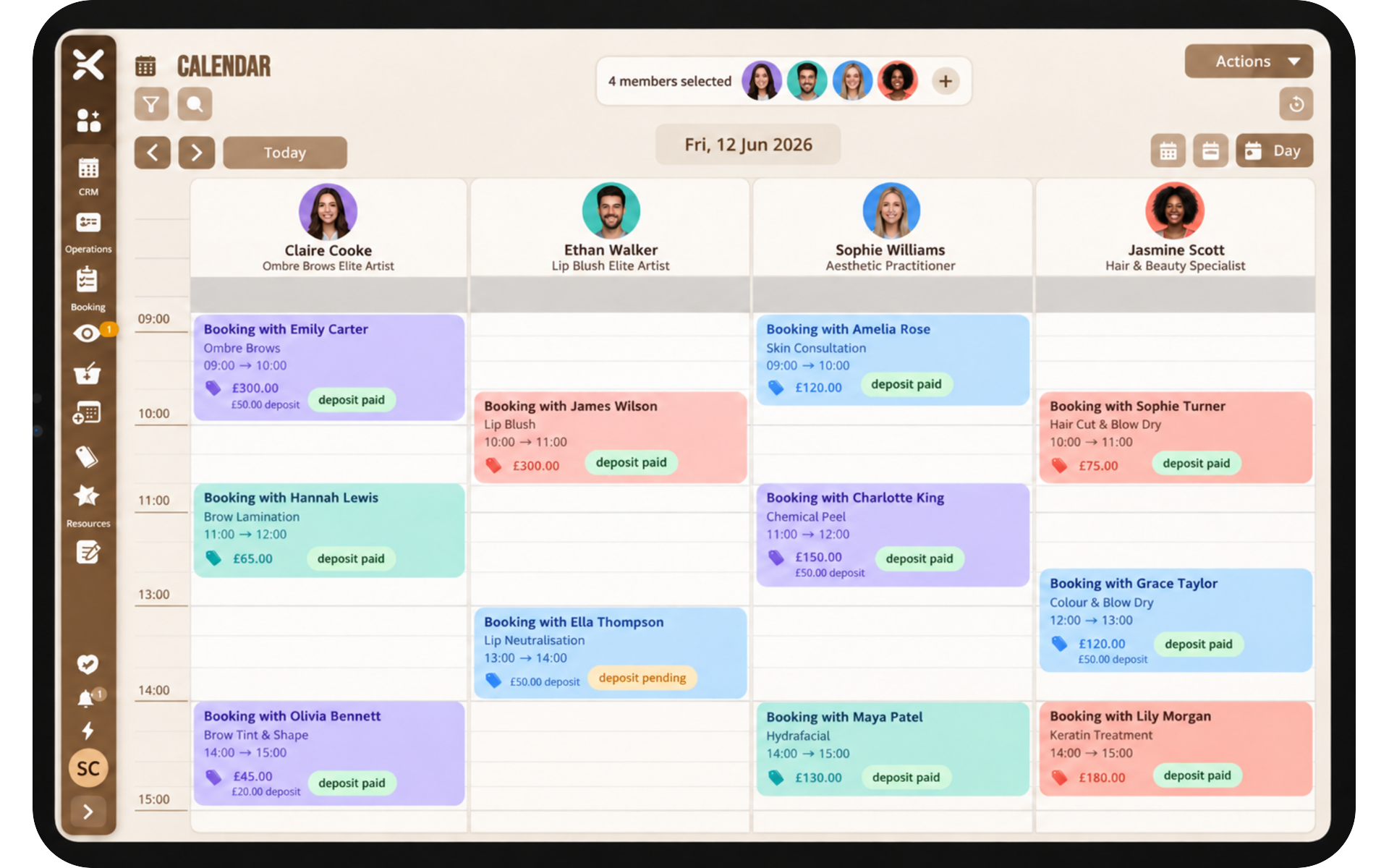
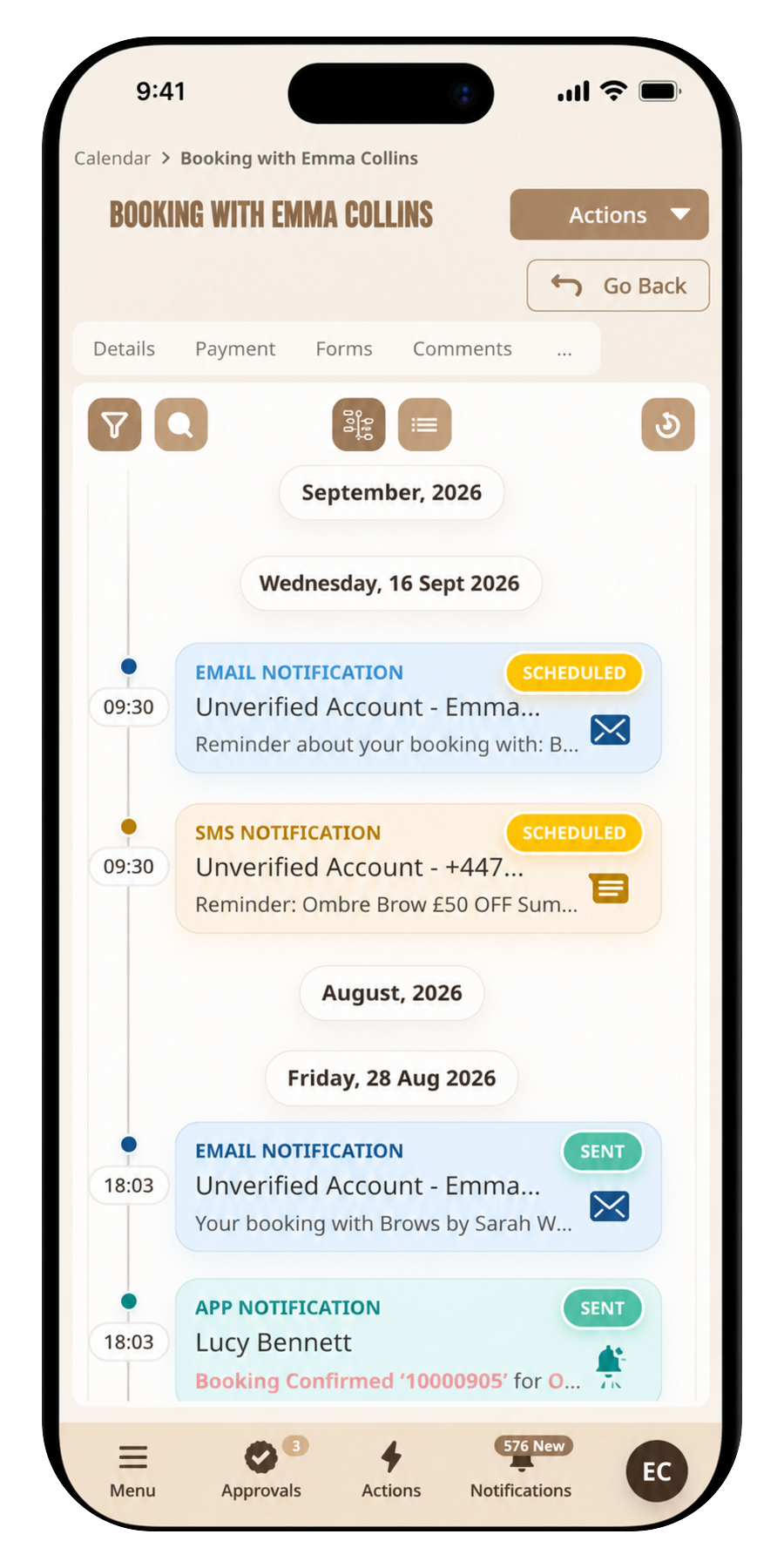
Widgets that only store a Google Calendar event will not help when you need statuses, deposits, or staff-specific services. Look for a lifecycle from planned to completed and a place for internal notes.
If you run overnight stays, confirm date-based availability exists. If you run clinics, confirm practitioner hours are first-class, not a hack.
How you pay for the product
Percentage-of-booking pricing feels cheap until a busy month. Seat licences are easier to forecast. pricing matches teamworX Bookings: Basic, Pro, and Enterprise by seats, with a stated card transaction fee on automated payments.
Read SMS allowances and extra-seat prices before you assume the advertised monthly figure is the whole bill.
Try the public journey
Book yourself on a demo or a live company page. If you would not send that flow to a nervous first-time client, do not buy the tool.